Topics for businesses
Your photo
The one photo at the top of your listing and on its cards around the site.
Upload your photo
Find this on your dashboard under Your photo. Pick one photo that shows travelers your business, your place or what you do.
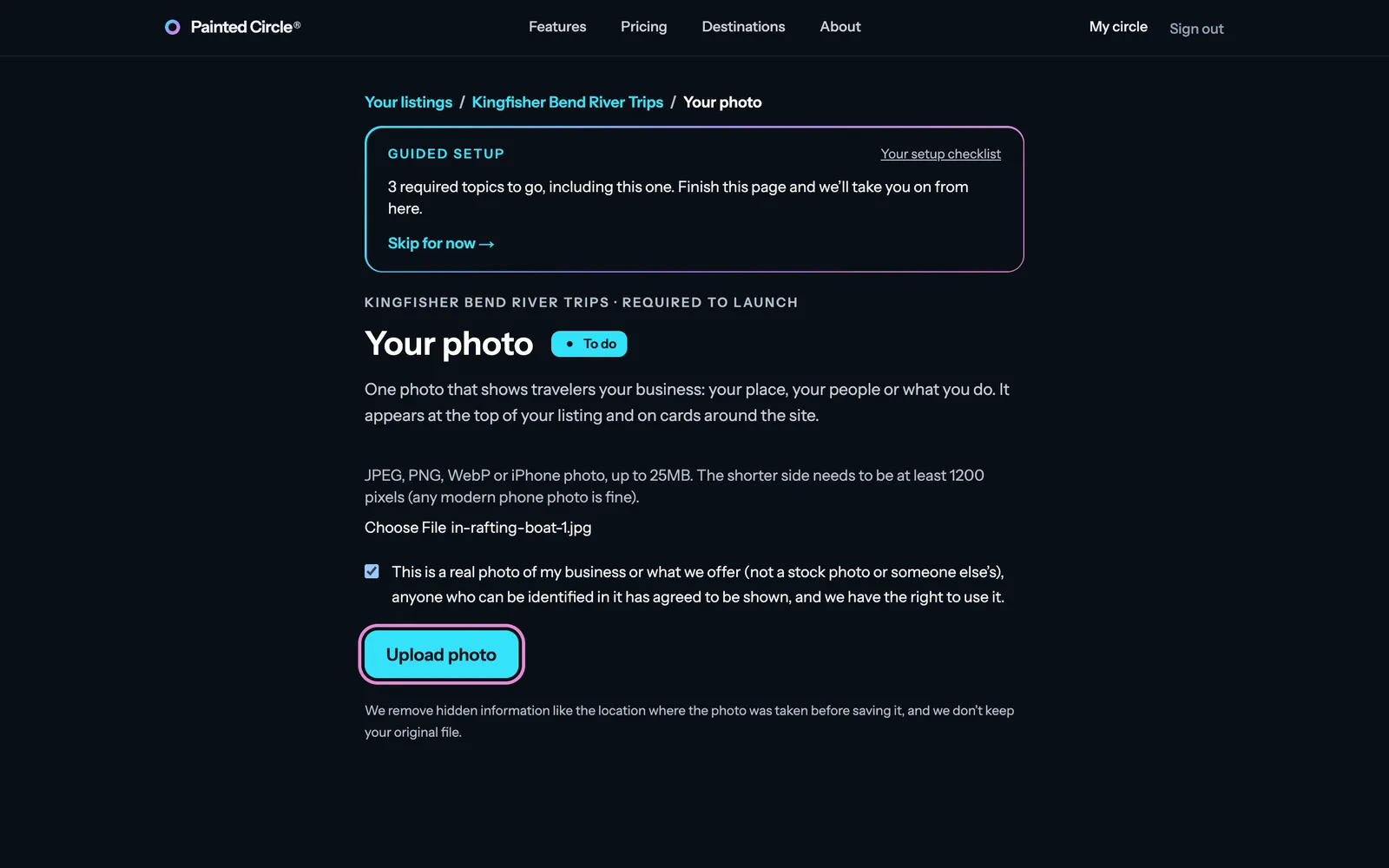
1Choose a photo, tick the box confirming it's a real photo of your business that you have the right to use, and press Upload photo. We check every photo, which takes a few seconds.
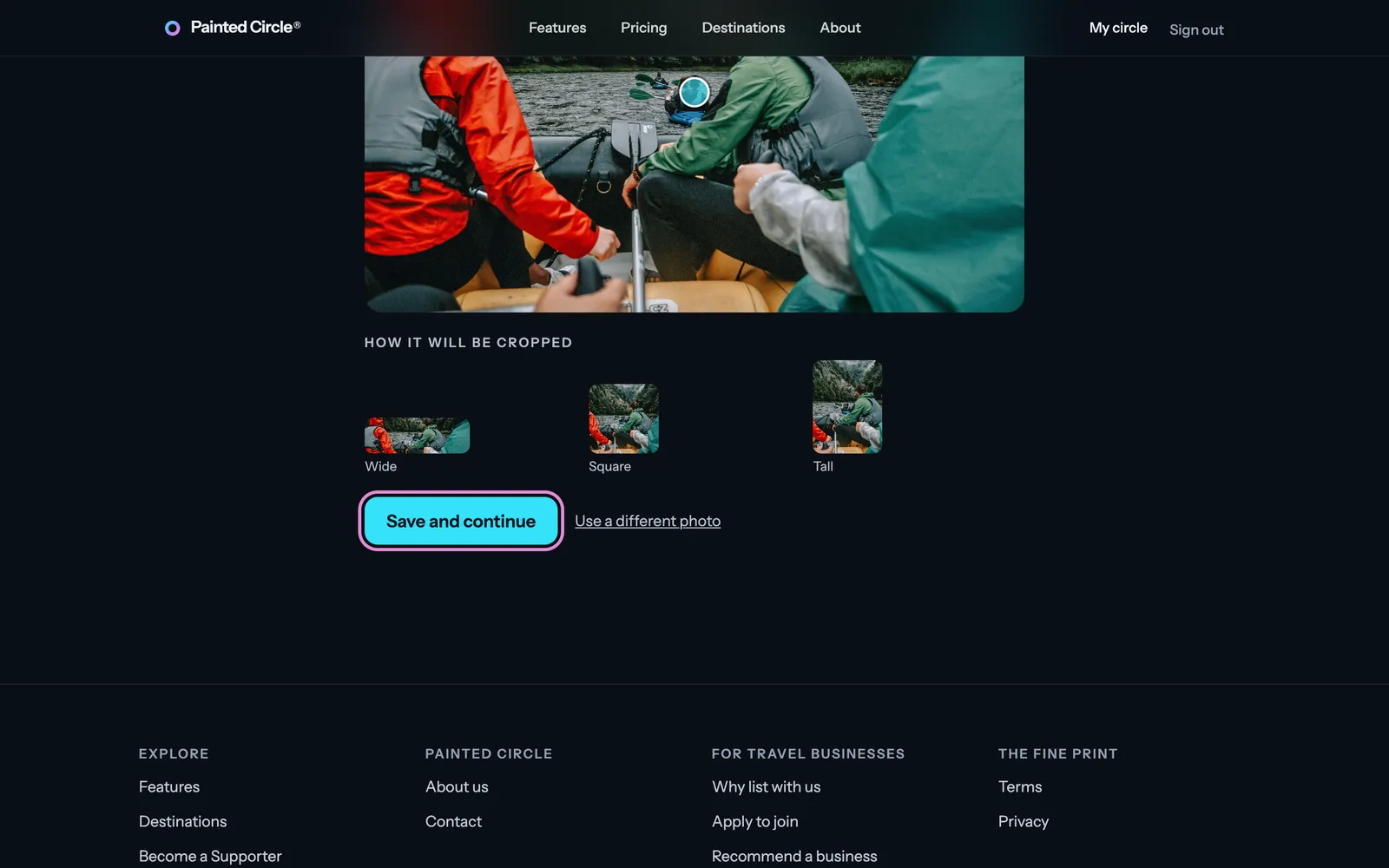
2Tap the most important spot in the photo (a face, your boat, your front door) so it stays in view however the photo is cropped. Check the previews and press Save and continue.


More detail
- JPEG, PNG, WebP or an iPhone photo, up to 25MB. The shorter side needs to be at least 1,200 pixels; any modern phone photo is fine.
- Not allowed: stock photos, someone else's photo, or photos of people who haven't agreed to be shown.
- We remove hidden information from the photo, like where it was taken, before saving it, and we don't keep your original file.
- If our check has doubts, the photo goes to a person on our team. You can carry on with the other setup steps in the meantime.
- To change it later, open Your photo from your dashboard: upload a new one, or just move the focus point.
The pictures show an example business. Still stuck? Email info@paintedcircle.com.