Topics for businesses
Launch your listing
Make your listing public once the required setup steps are done.
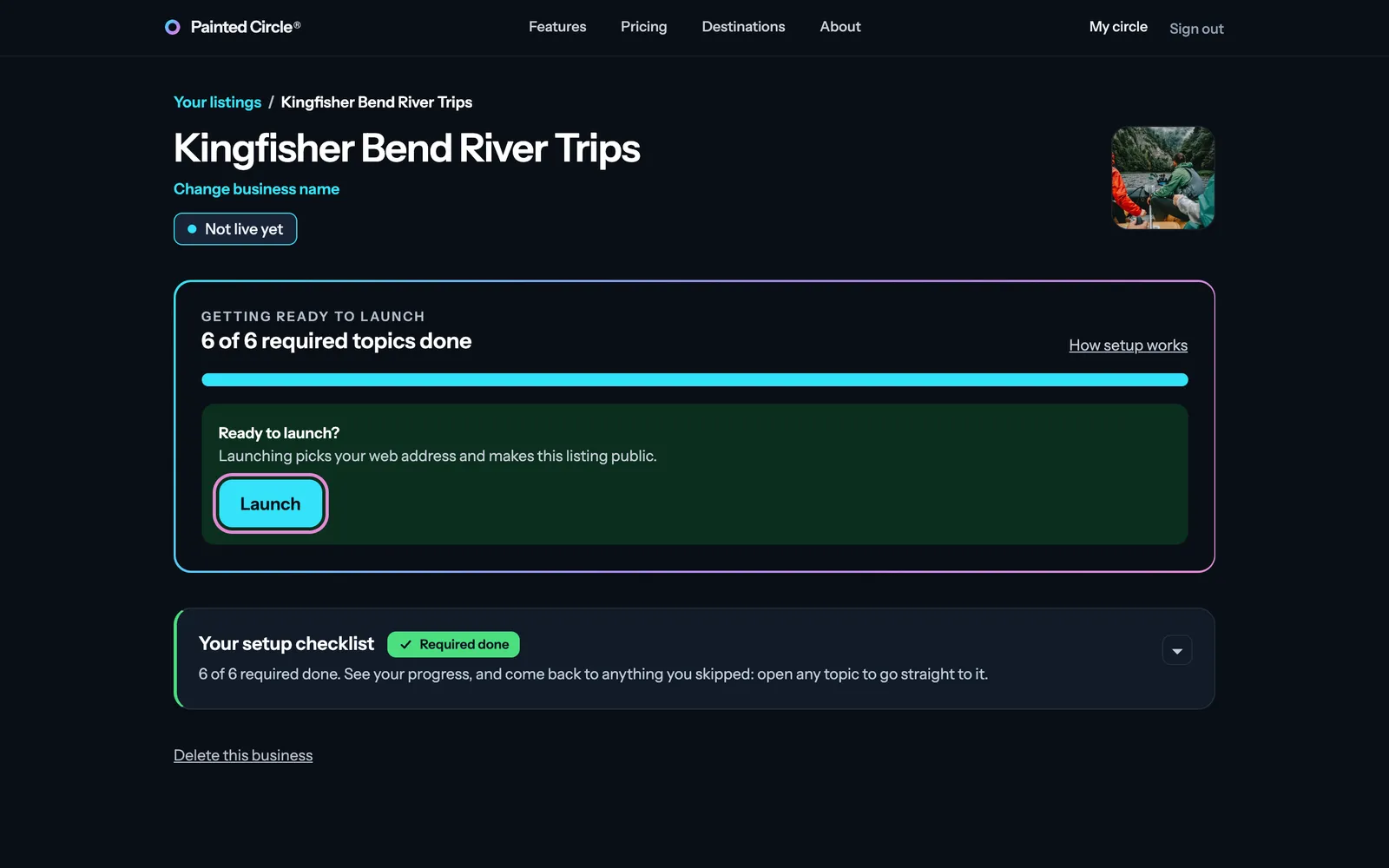
Press Launch
When every required setup step is done, your dashboard says Ready to launch.
1On your dashboard, press Launch. Launching picks your web address on Painted Circle and makes your listing public.
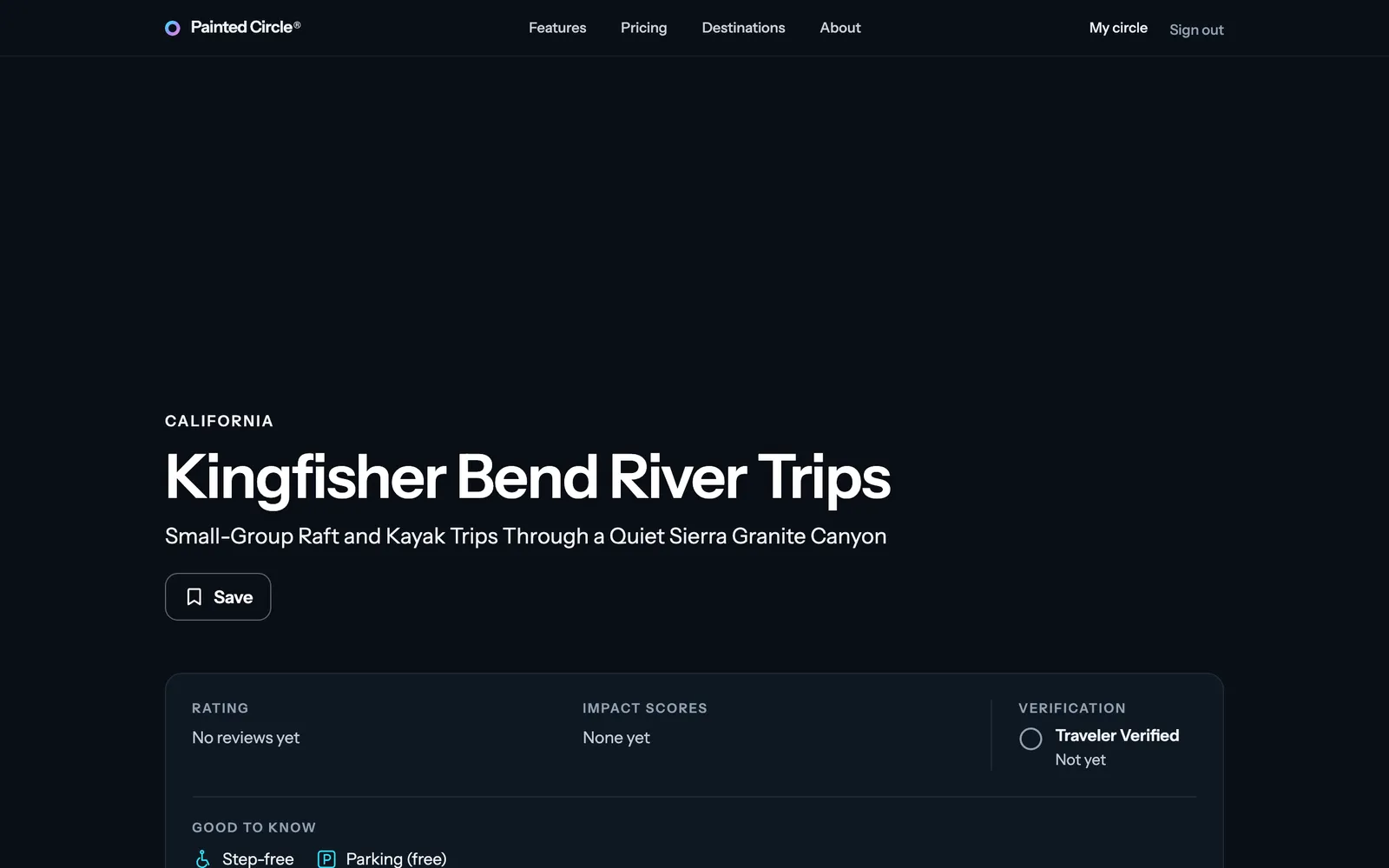
2You land on your listing page, as travelers will see it.


More detail
- The required steps: the pledge, your listing text, your photo, your special offer, where you operate, and your categories.
- If something is still with our team (a photo or offer being looked at), Launch is saved as a request: your listing goes live by itself once it's approved, and we email you.
- Before Painted Circle opens to travelers, a launched listing shows as Ready and waiting: it goes public on opening day. Until then, your web address shows travelers your review page, so you can start collecting reviews with your QR code straight away. Only you and your team see the full listing.
The pictures show an example business. Still stuck? Email info@paintedcircle.com.