Topics for businesses
The person behind it
The founder, owner or manager travelers meet on your listing. Recommended, not required.
Add the person behind your business
Find this on your dashboard under The person behind it. Travelers like to know who they'll meet: it appears on your listing as “The people of” your business, with a round photo.
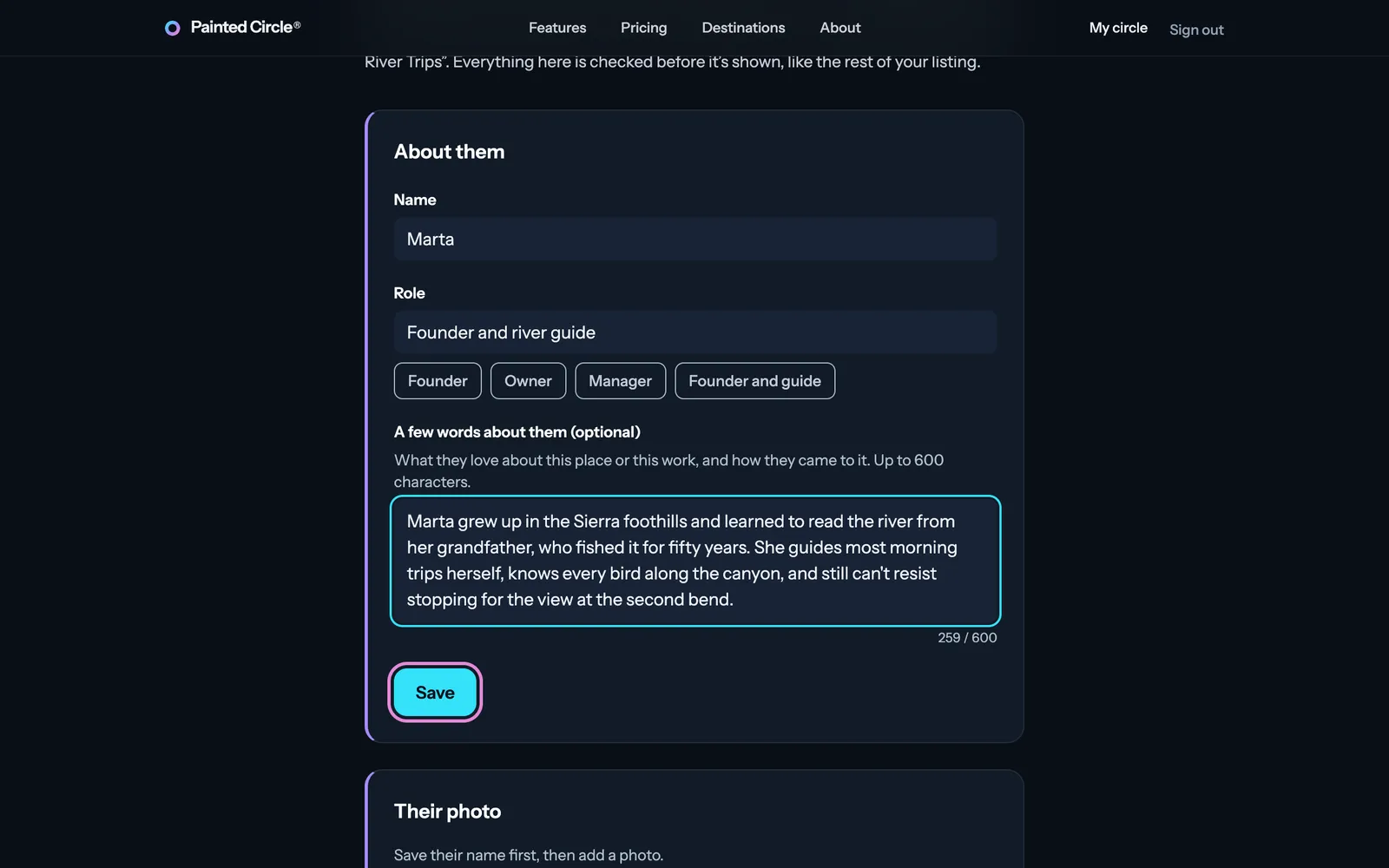
1Type their name, their role (like Founder, or Owner and guide) and, if you like, a few words about them, in their own words: we show them exactly as written, without rewriting or polishing. Press Save.
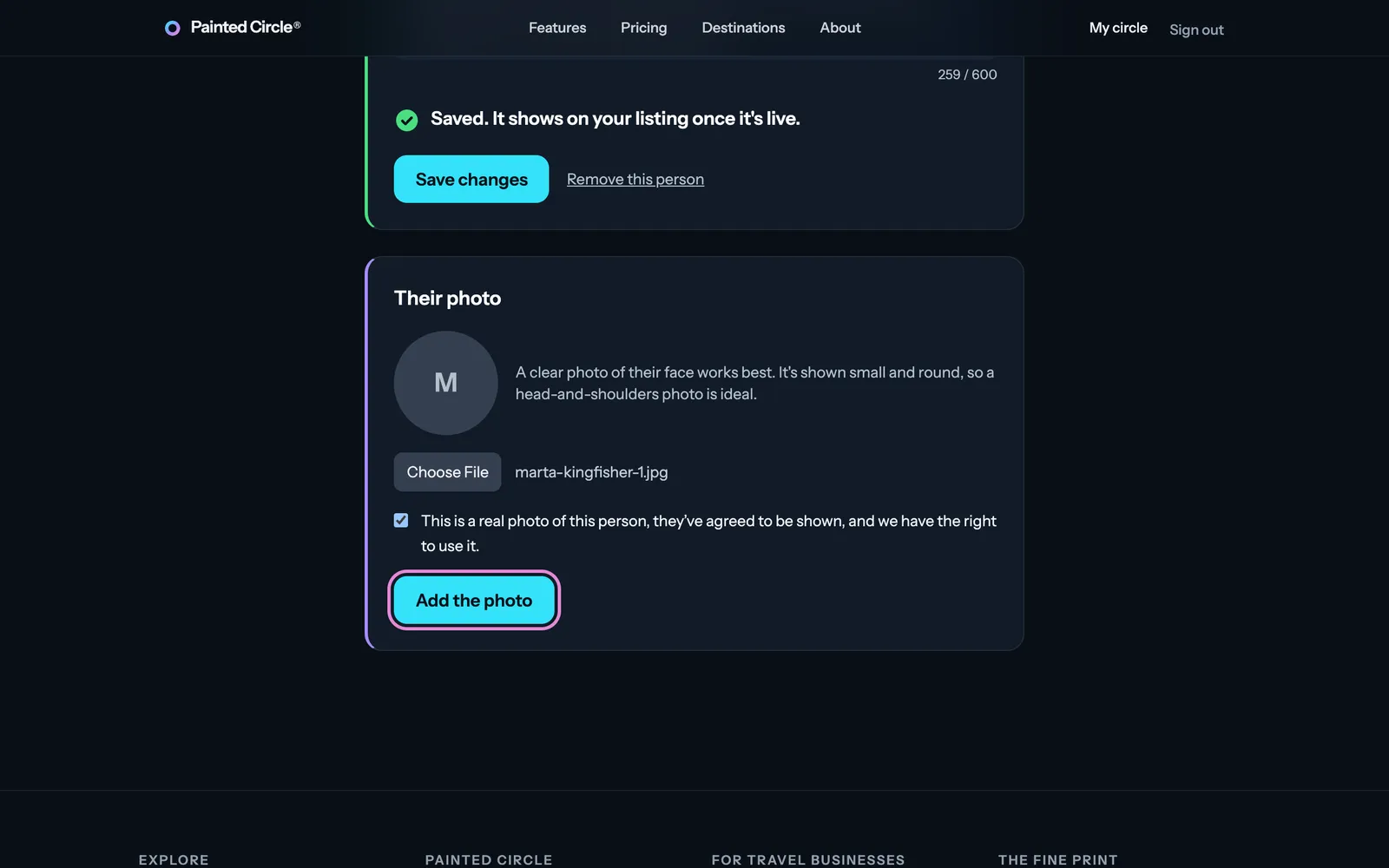
2Then add their photo: choose a photo, tick the box confirming it's a real photo of this person who has agreed to be shown, and press Add the photo. A clear head-and-shoulders photo works best, because it's shown small and round.
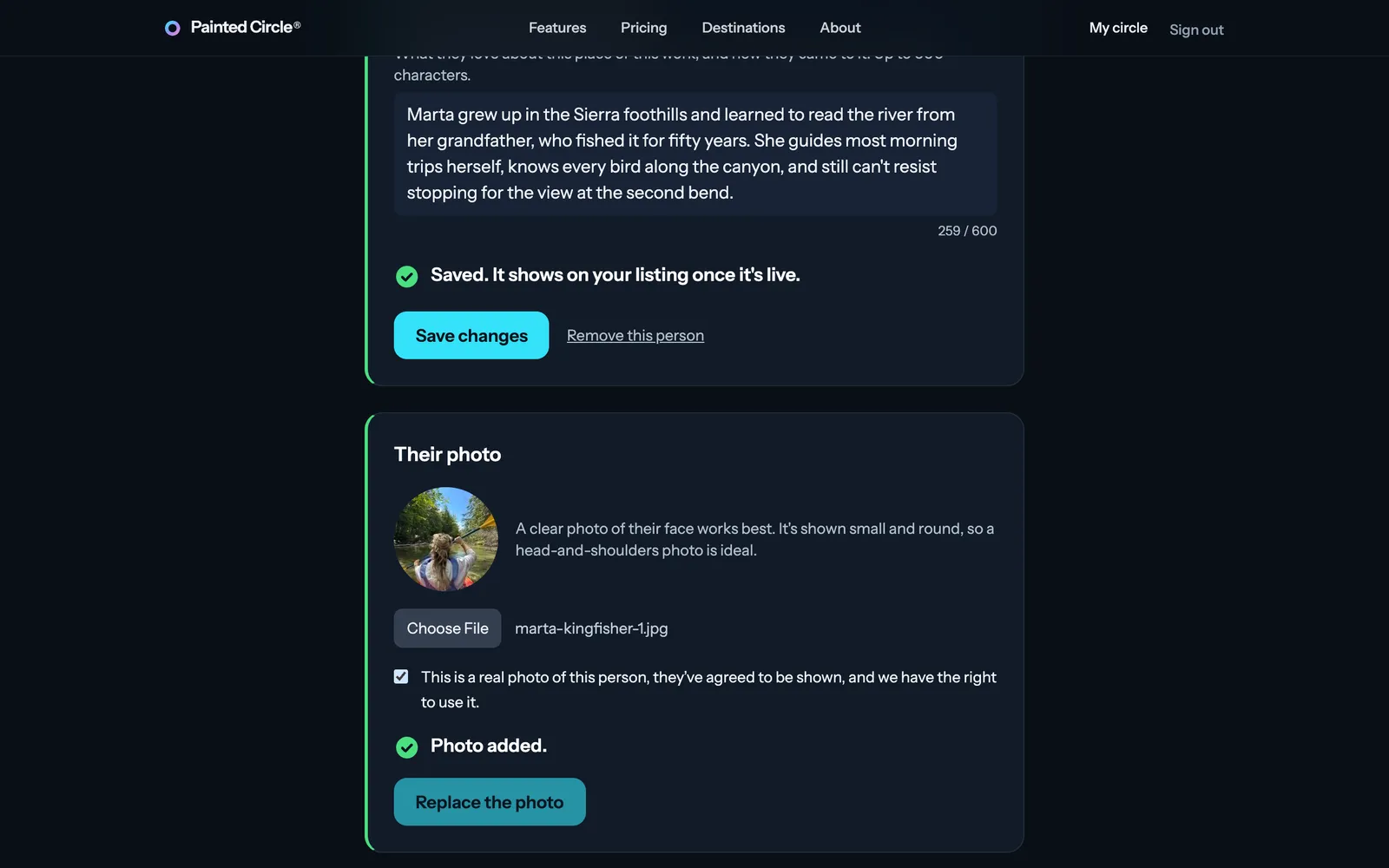
3When the photo has been checked, it appears in the round frame. Tap their face on the photo below it so it stays in the middle of the round picture, and press Save this spot. That's the last step on the setup path; then launch your listing.


More detail
- Name and role: up to 60 characters each. The few words: up to 600.
- We check the words before they're shown, only against our rules (no contact details, web addresses, prices or sales lines). We don't rewrite them, unlike your listing text.
- The photo is checked for safety and that it shows a person (from any angle, alone or with others), with its hidden information removed.
- One person for now; more team members come later.
The pictures show an example business. Still stuck? Email info@paintedcircle.com.