Topics for businesses
What each location sets itself
Places, photo and Good to know belong to each location.
A location's own details
Open the location from Your locations on your brand dashboard. It has the same dashboard as a single listing.
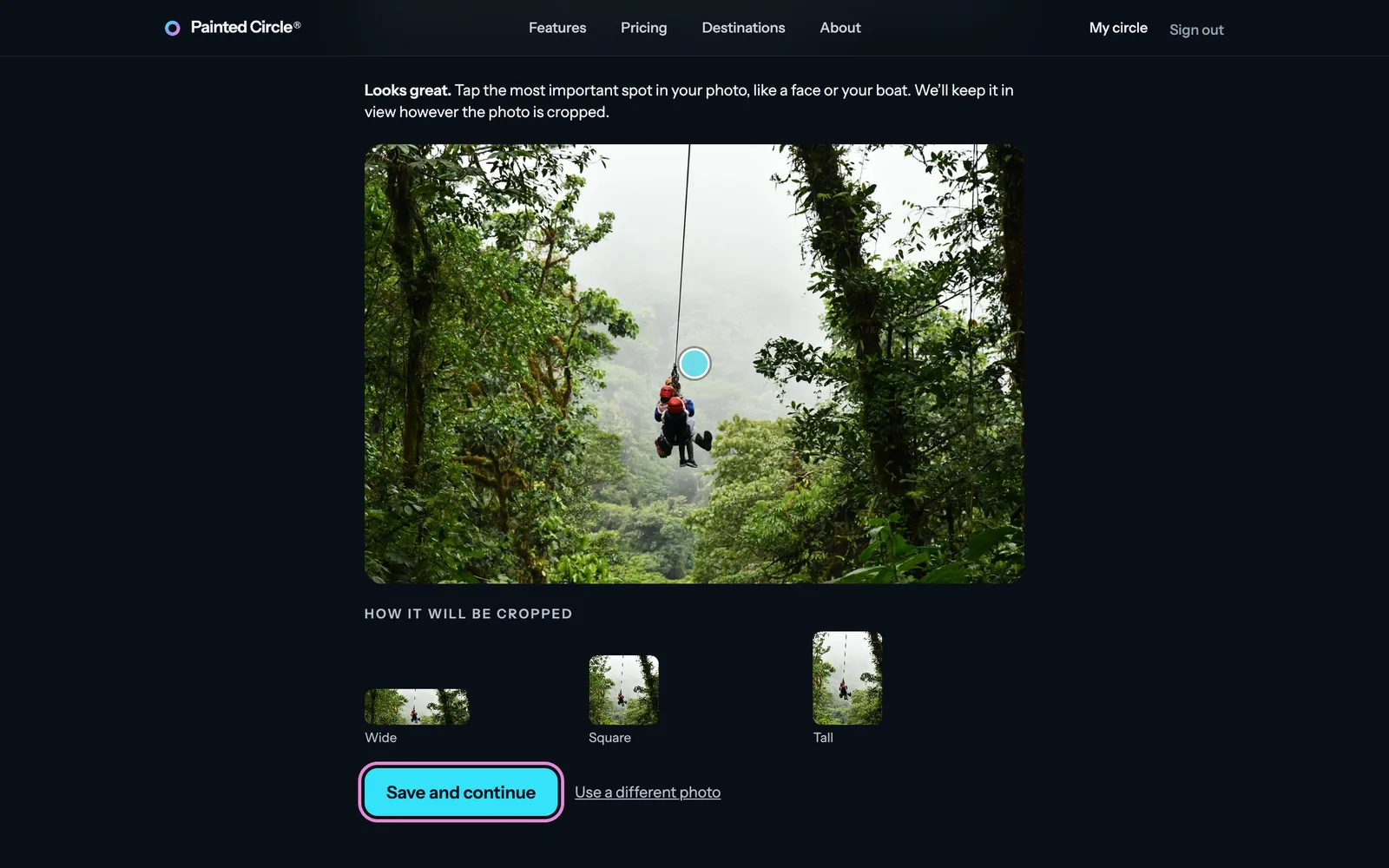
1Its photo: a location starts with the template's photo. Open Your photo to upload one of this location instead.
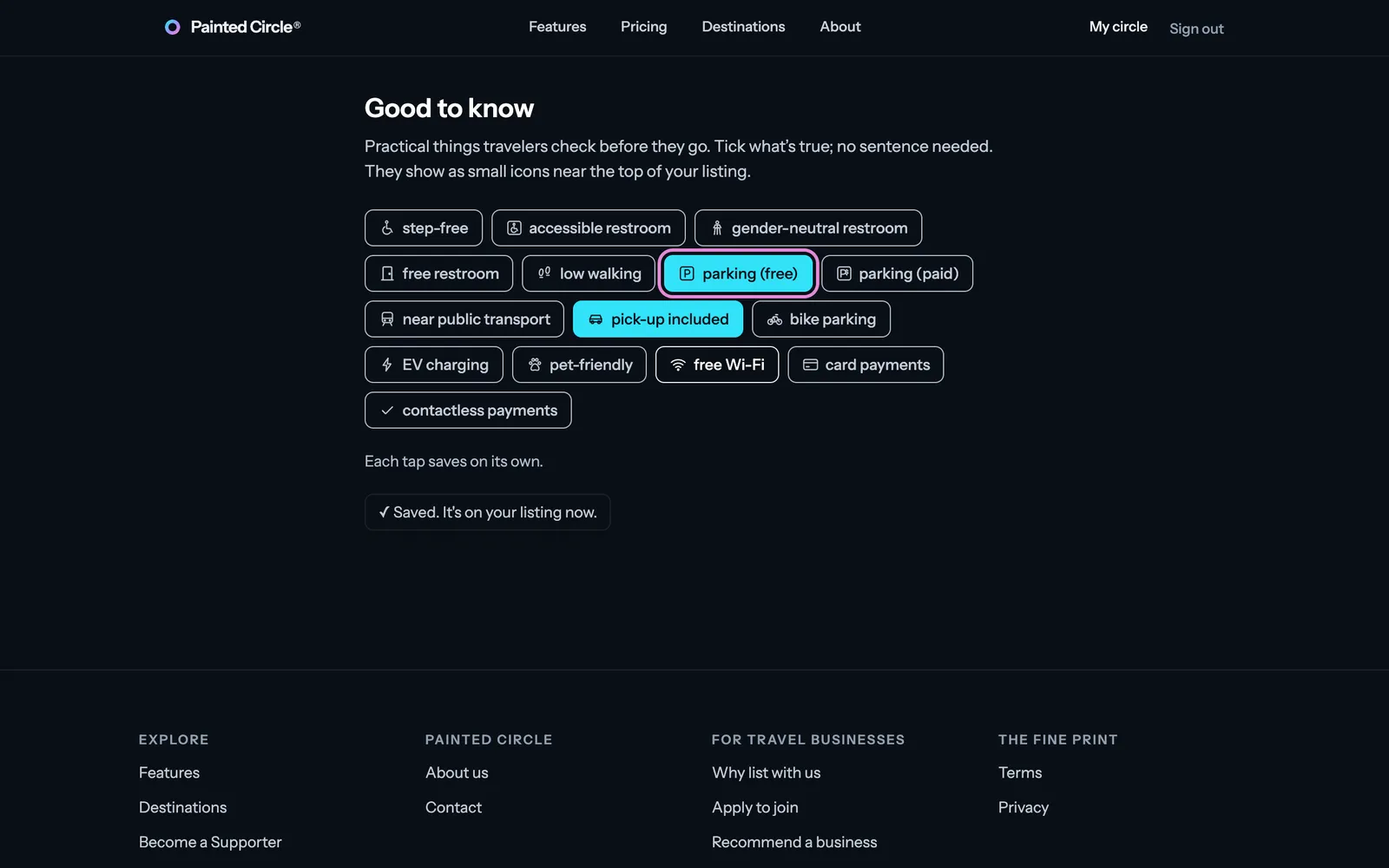
2Its Good to know: tick the practical facts true at this location, like parking or a pick-up. Each tick saves on its own.


More detail
- Its places and specific spots are its own too.
- A location can also change its text, tags or offer on its own; it then shows as different from the template on your brand dashboard.
- Each location has its own reviews, QR code, Weekly Offer Share places and pause button.
The pictures show an example business. Still stuck? Email info@paintedcircle.com.