Topics for businesses
Your listing text
Answer a few questions in your own words; we write your listing, and you check it.
Answer the questions
Answer the way you'd tell a friend. It doesn't need to be polished, and your answers save as you go.
1There are seven questions: the first four are required, the last three recommended.
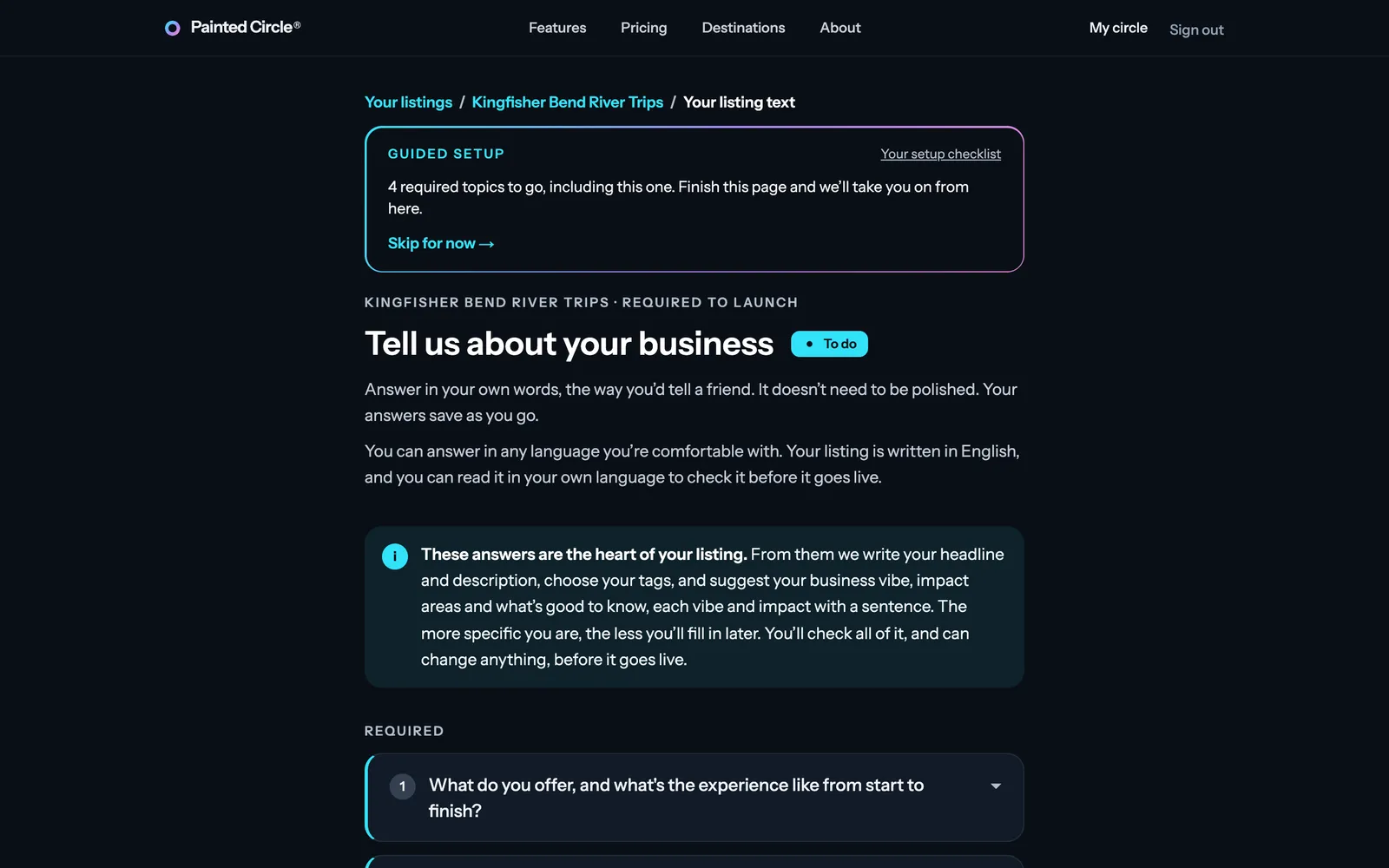
2Tap a question to open it, read the hint under it, and type your answer.
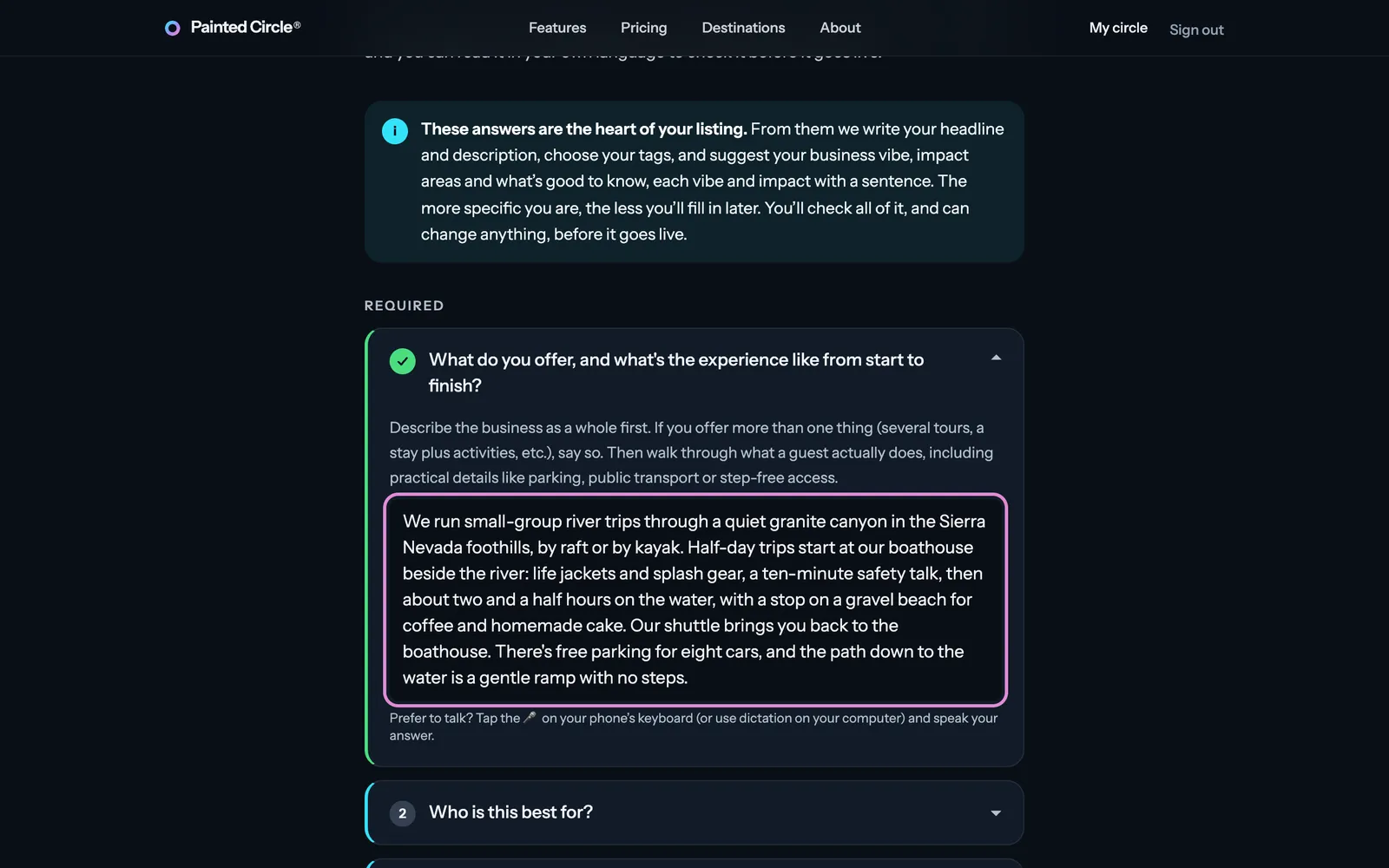
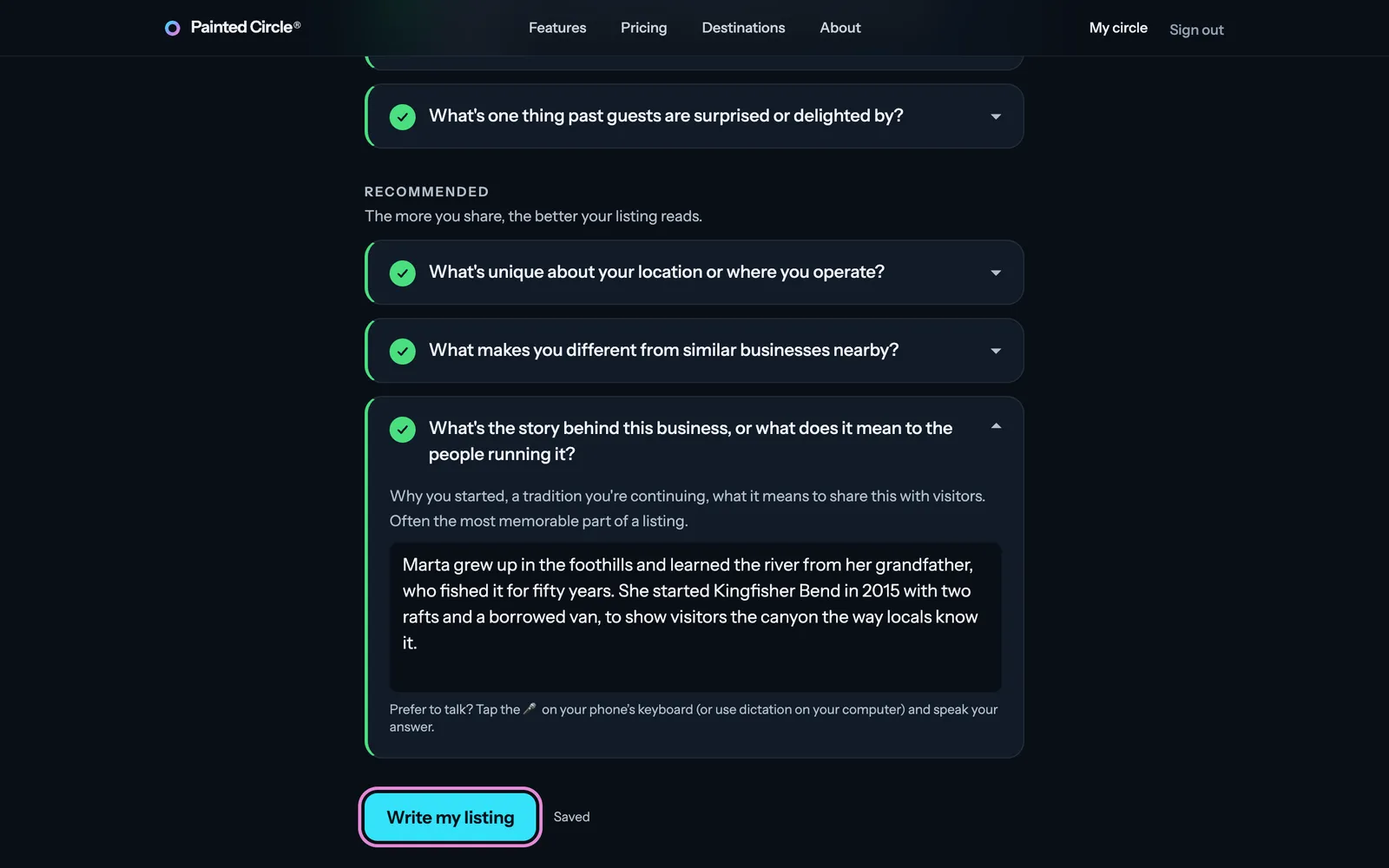
3When the required ones are answered, press Write my listing. It takes 15 to 30 seconds.


More detail
- Any language is fine: your listing is written in English, and you can read it in your own language before it goes live (See it in my language).
- Required answers need at least 20 characters; each answer can be up to 3,000.
- Specific beats general: real details (group sizes, what you actually do for your place, what guests remember) make a better listing and better tag suggestions.
- Prefer to talk? Tap the microphone on your phone's keyboard, or use dictation on your computer.
- If we can't process your answers, they go to our team for a look, and we'll be in touch.
Check what we wrote
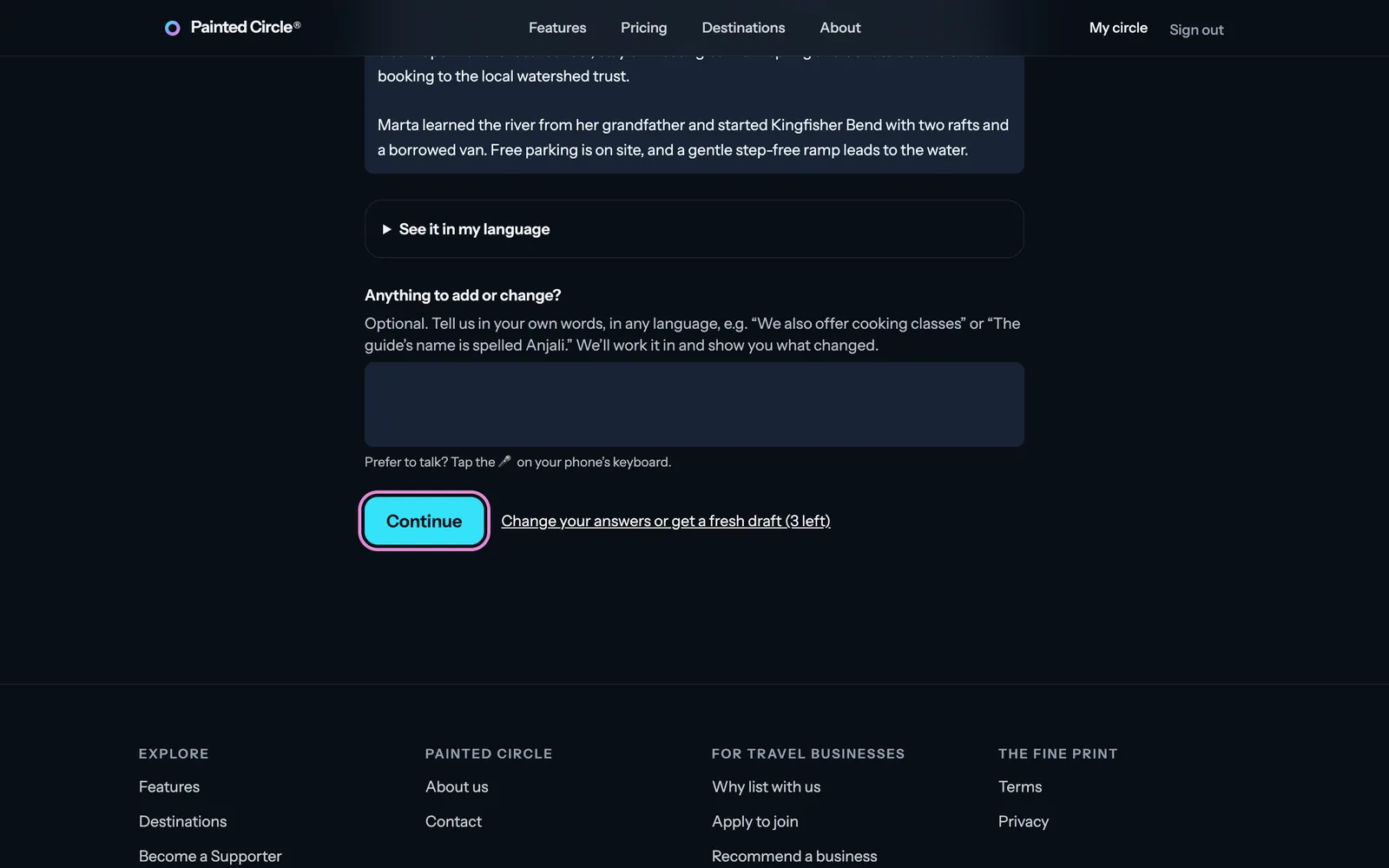
4Read your headline and description. Fix anything right in the boxes, or describe a change under Anything to add or change? and we'll work it in. Then press Continue.

More detail
- Aim for a headline of 6 to 12 words and a description of about 200 words or fewer; the page counts them for you.
- Your business name shows as its own heading, so it isn't repeated in the text.
- Want to start over? “Change your answers or get a fresh draft” lets you edit your answers and write again, up to four drafts in all.
- Every change goes through the same check as the first draft before it's saved.
The pictures show an example business. Still stuck? Email info@paintedcircle.com.