Topics for businesses
Claim your listing
From your invitation email to your new listing, in about five minutes.
Open your invitation and sign in
There are no passwords on Painted Circle. You sign in with a link we email you.
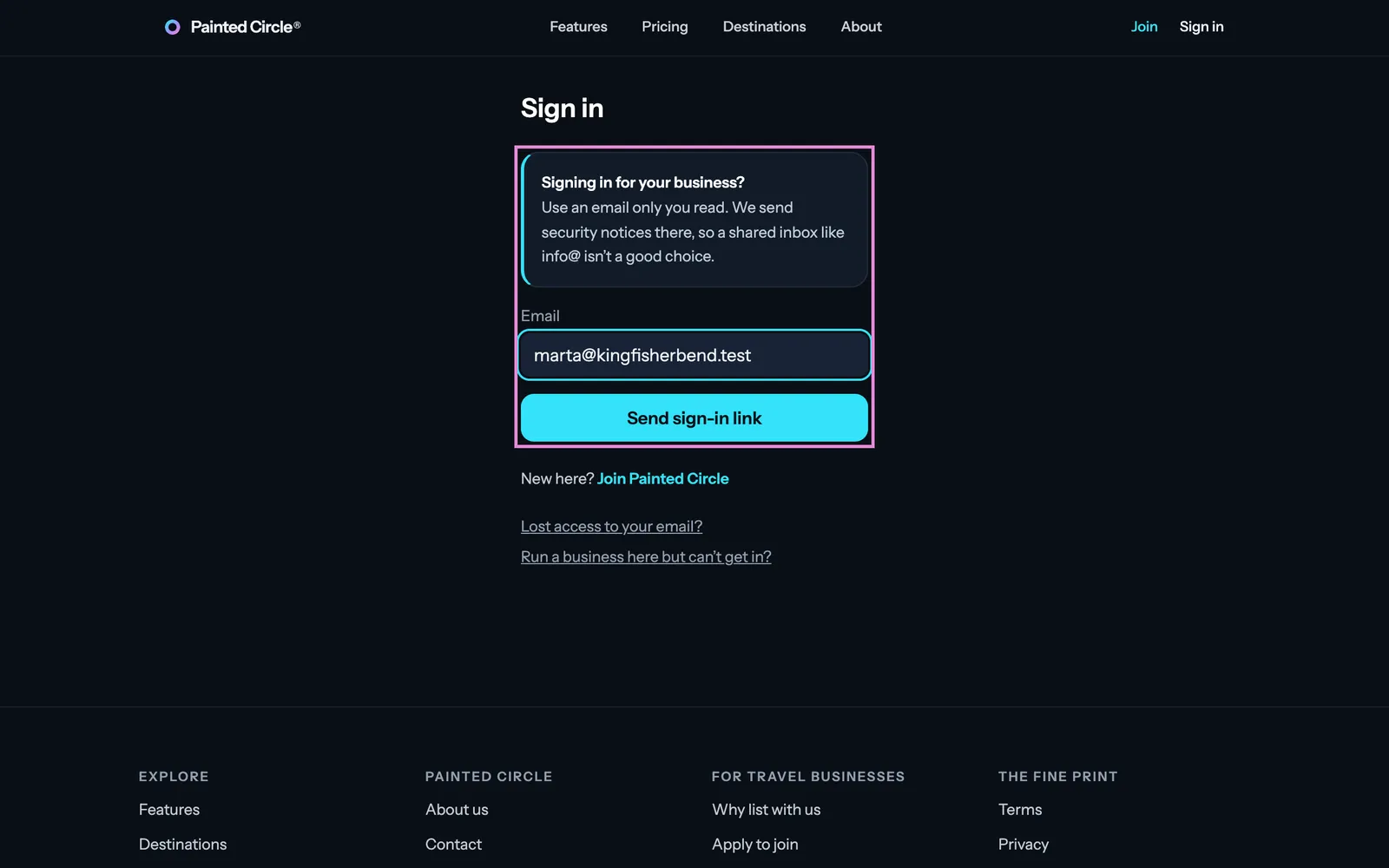
1Open the link in your invitation email. Type an email only you read and press Email me a link.
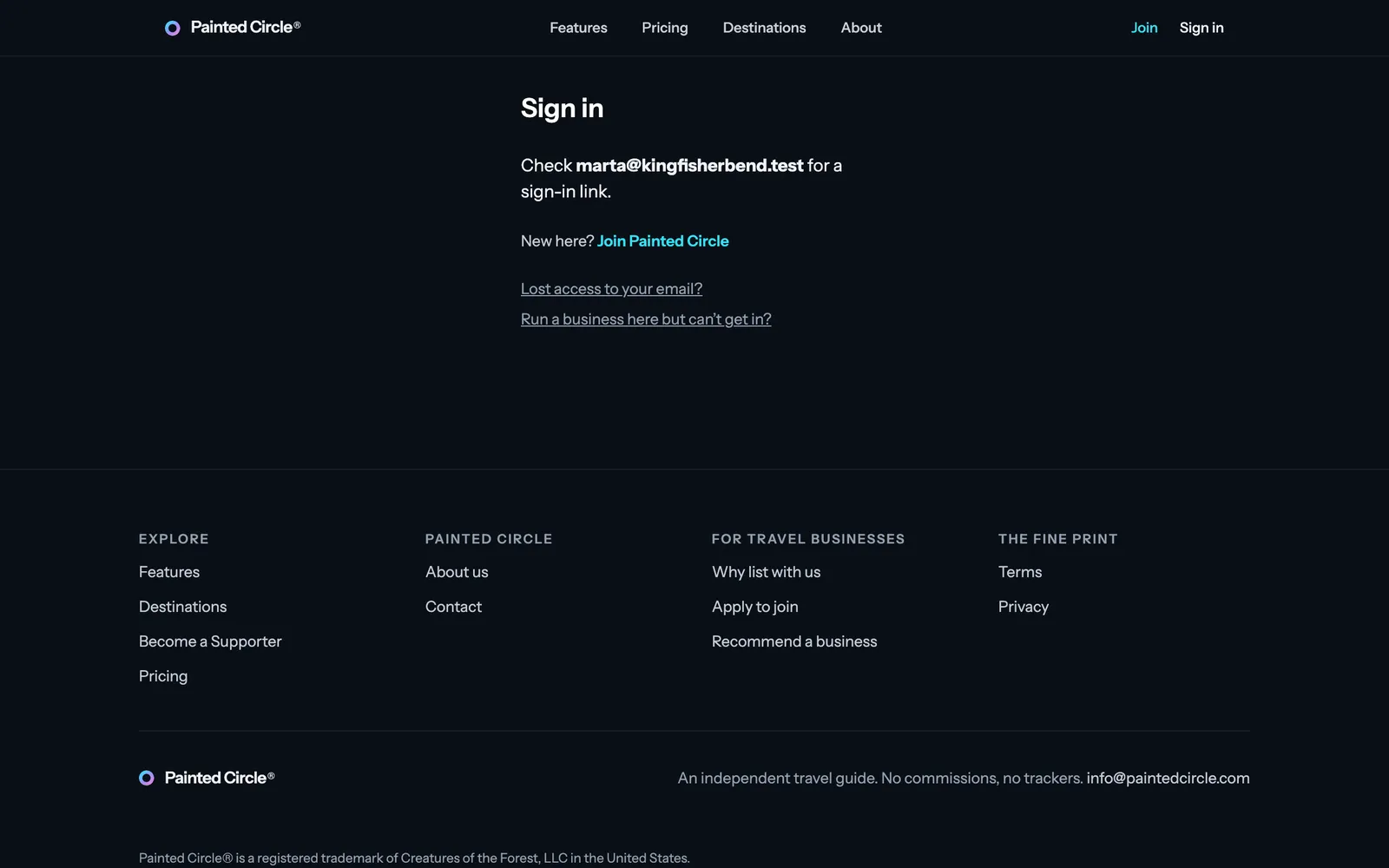
2Check your inbox and open the link we sent. It works once and expires after a while.


More detail
- Any email works, even one that isn't at your business's web address. Your personal address is fine. We send security notices there, so a shared inbox like info@ isn't a good choice.
- If you sign in with an address that isn't at your business's web address (and isn't the one we invited), the claim form asks for a 6-digit code sent to an address at your website, or to the email we invited you on.
- No email after a few minutes? Check spam, then ask for a new link. You can ask again after a minute.
- New and existing members use the same page: if you don't have an account yet, the link creates one.
Welcome and Terms
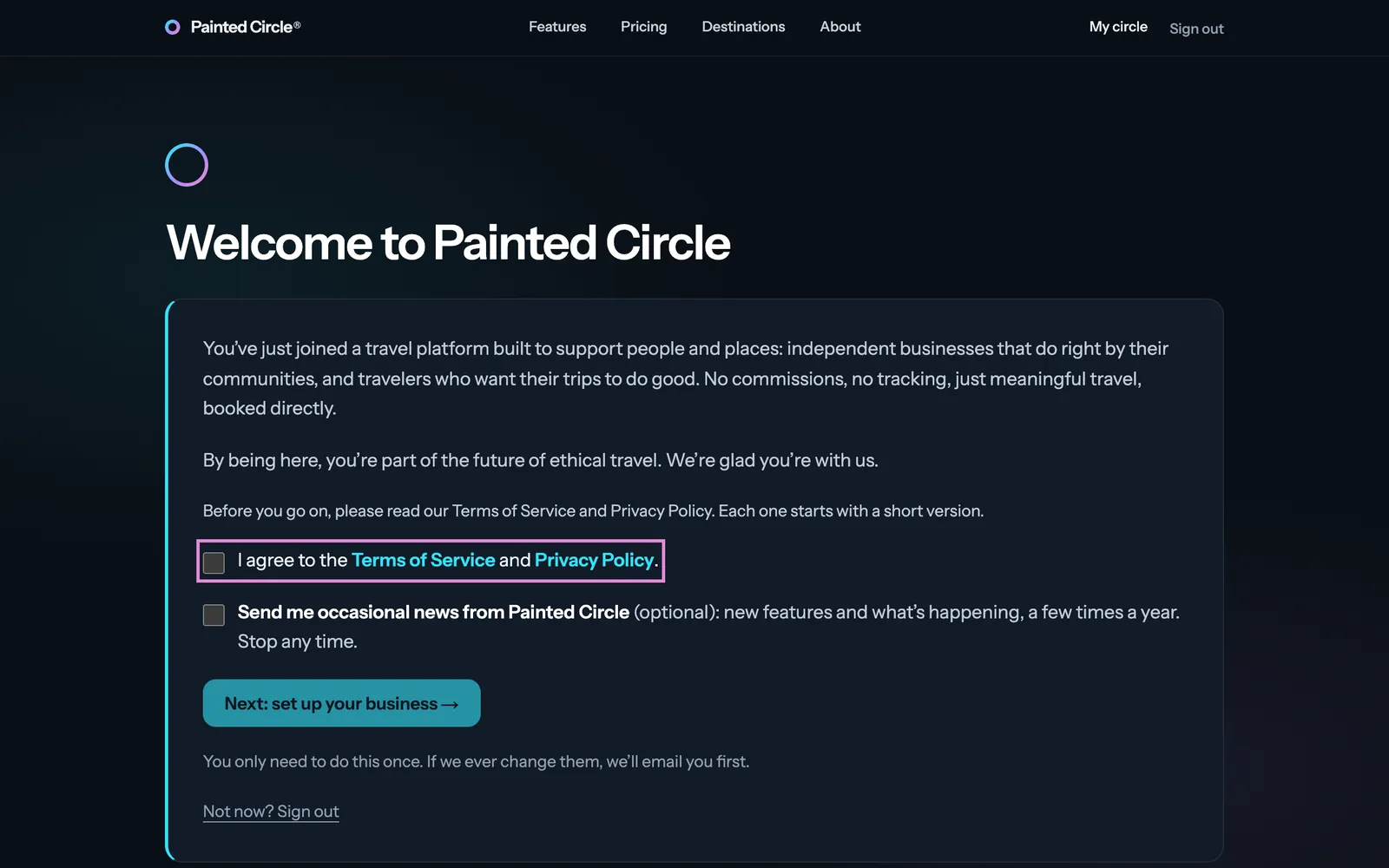
3Read the short welcome, tick I agree to the Terms of Service and Privacy Policy, and press Next: set up your business.
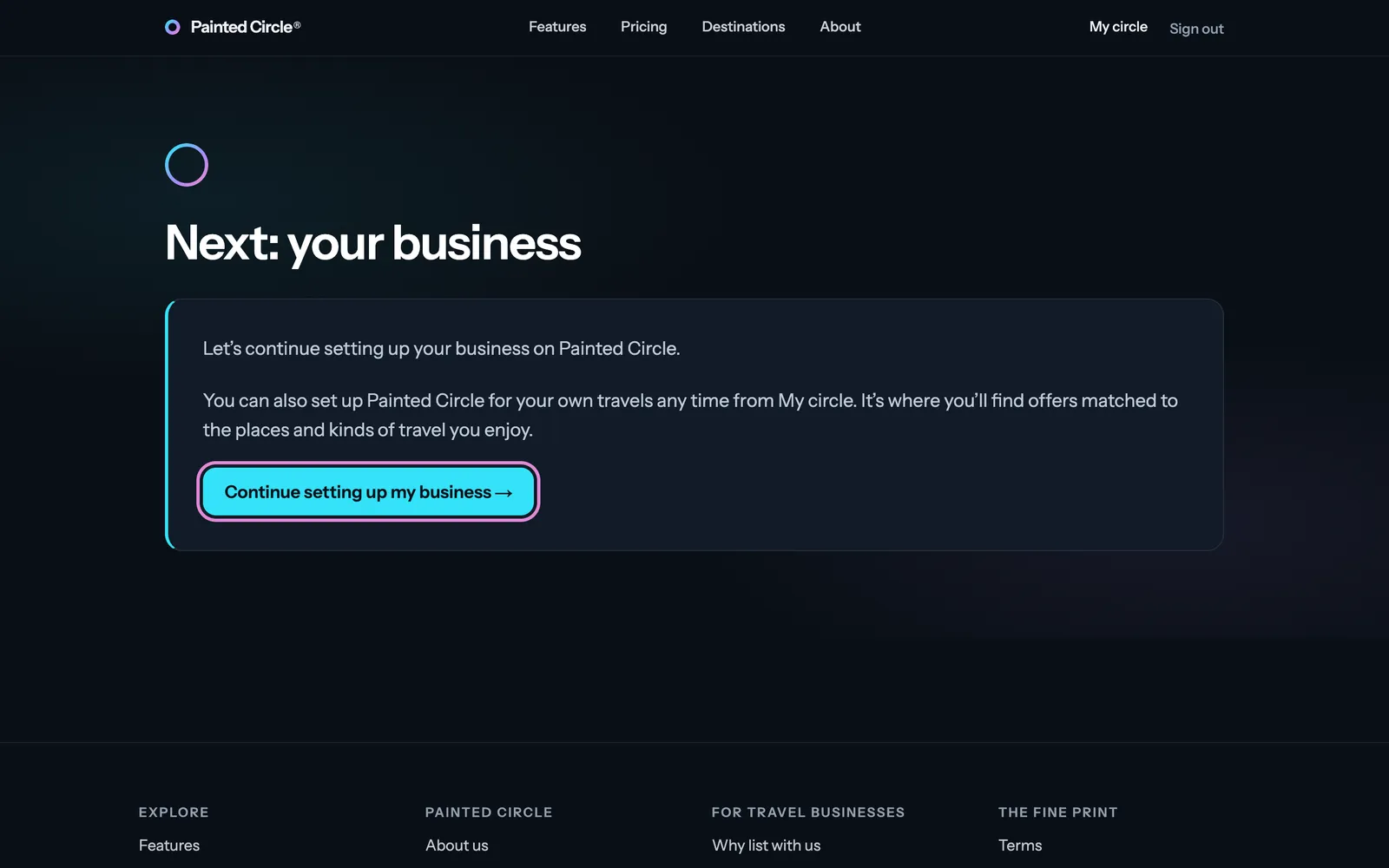
4Press Continue setting up my business. You can set up My circle for your own travels any time later.


More detail
- The news box is optional: a few emails a year about new features. You can stop them any time.
- You agree to the Terms once. If they ever change, we email you first.
Confirm your business details
5Check your business name. Use your real name, exactly as your customers know it.
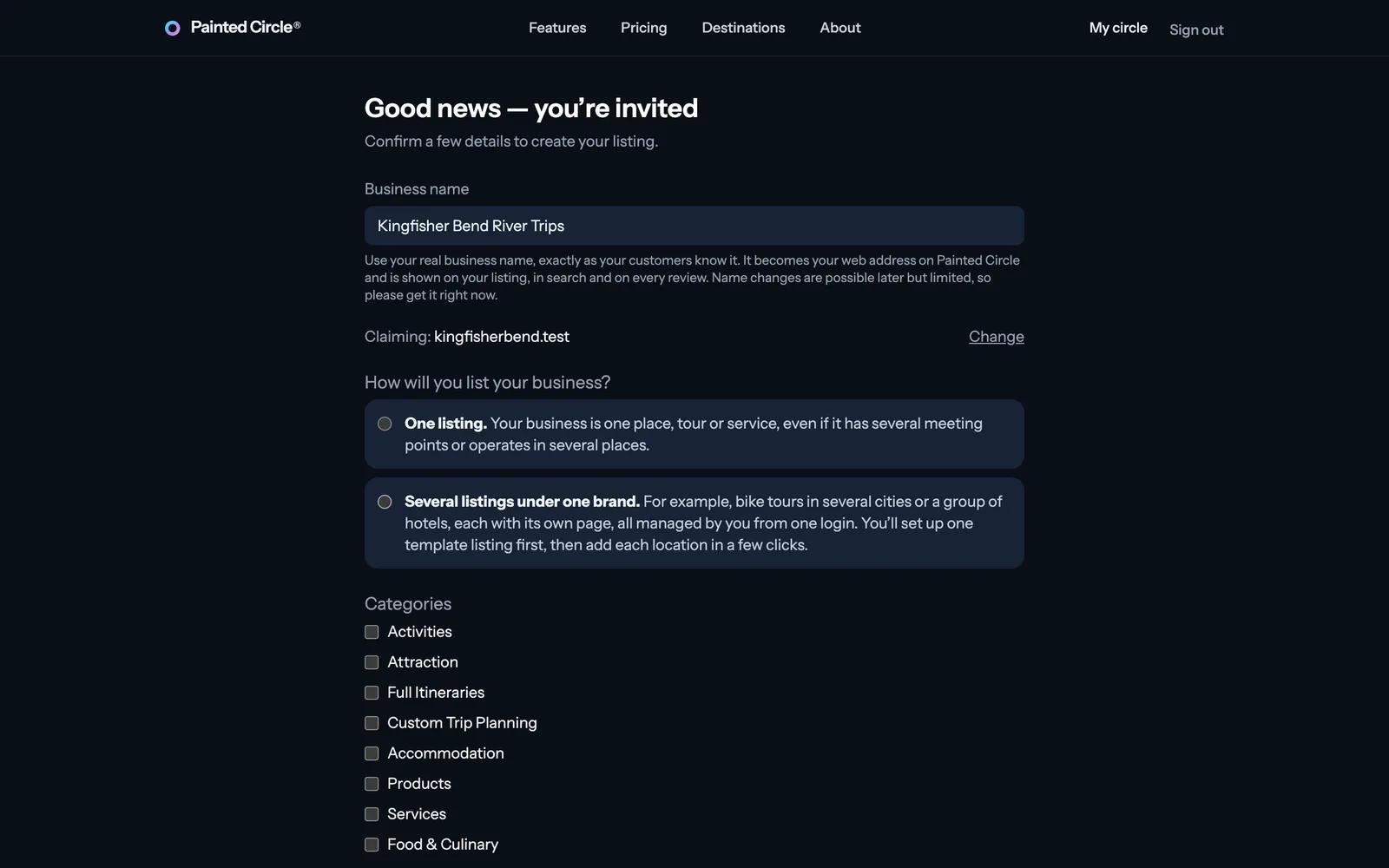
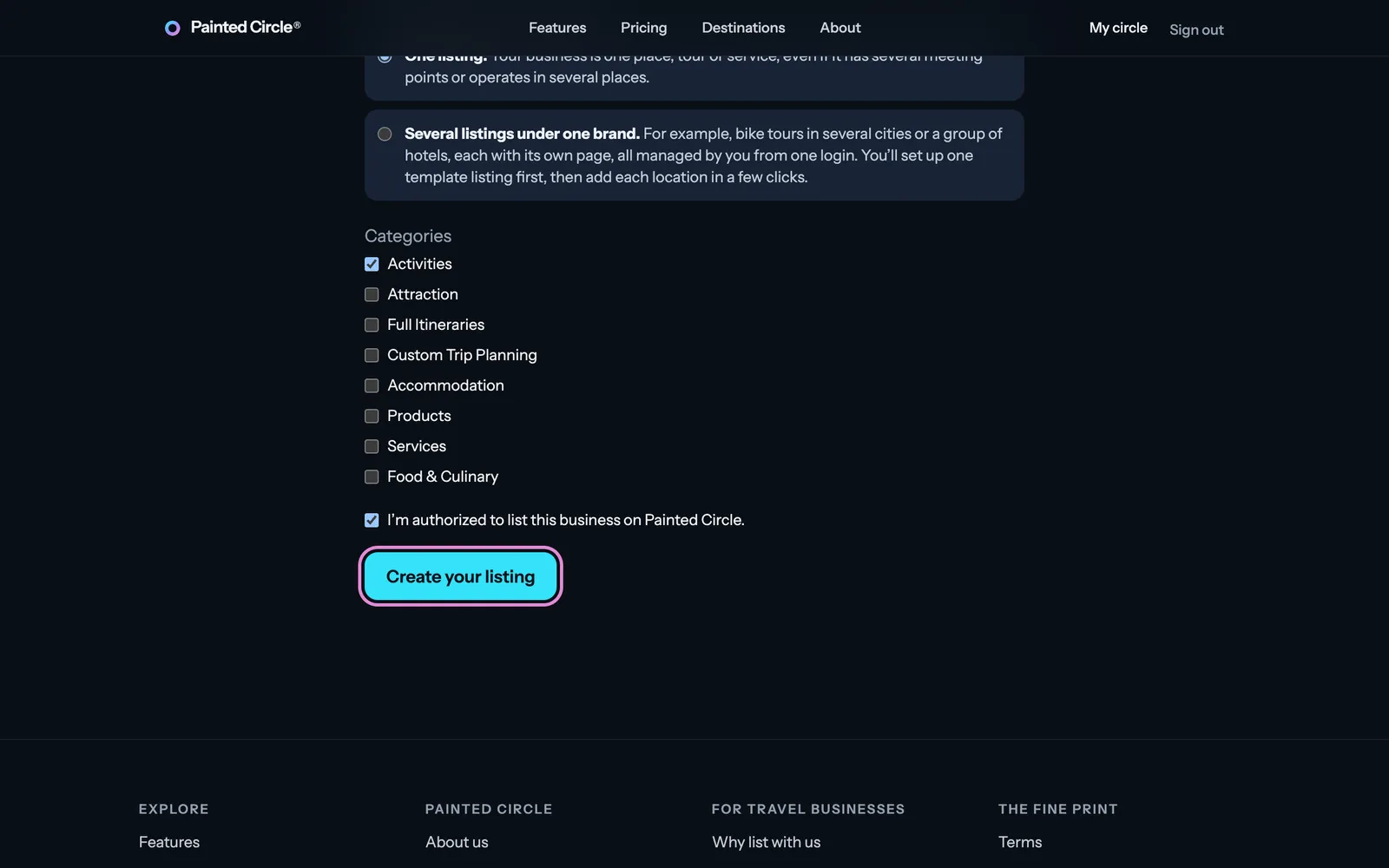
6Choose One listing or Several listings under one brand, tick your categories, confirm you're authorized to list the business, and press Create your listing.


More detail
- Your business name becomes your web address on Painted Circle and appears on your listing, in search and on every review. It can be changed later, but only a limited number of times.
- One listing: one place, tour or service, even with several meeting points or places you operate in. Several listings under one brand: for example bike tours in several cities, each with its own page, managed from one sign-in.
- Categories decide which tags you can pick later. You can change them any time from your dashboard.
What happens next
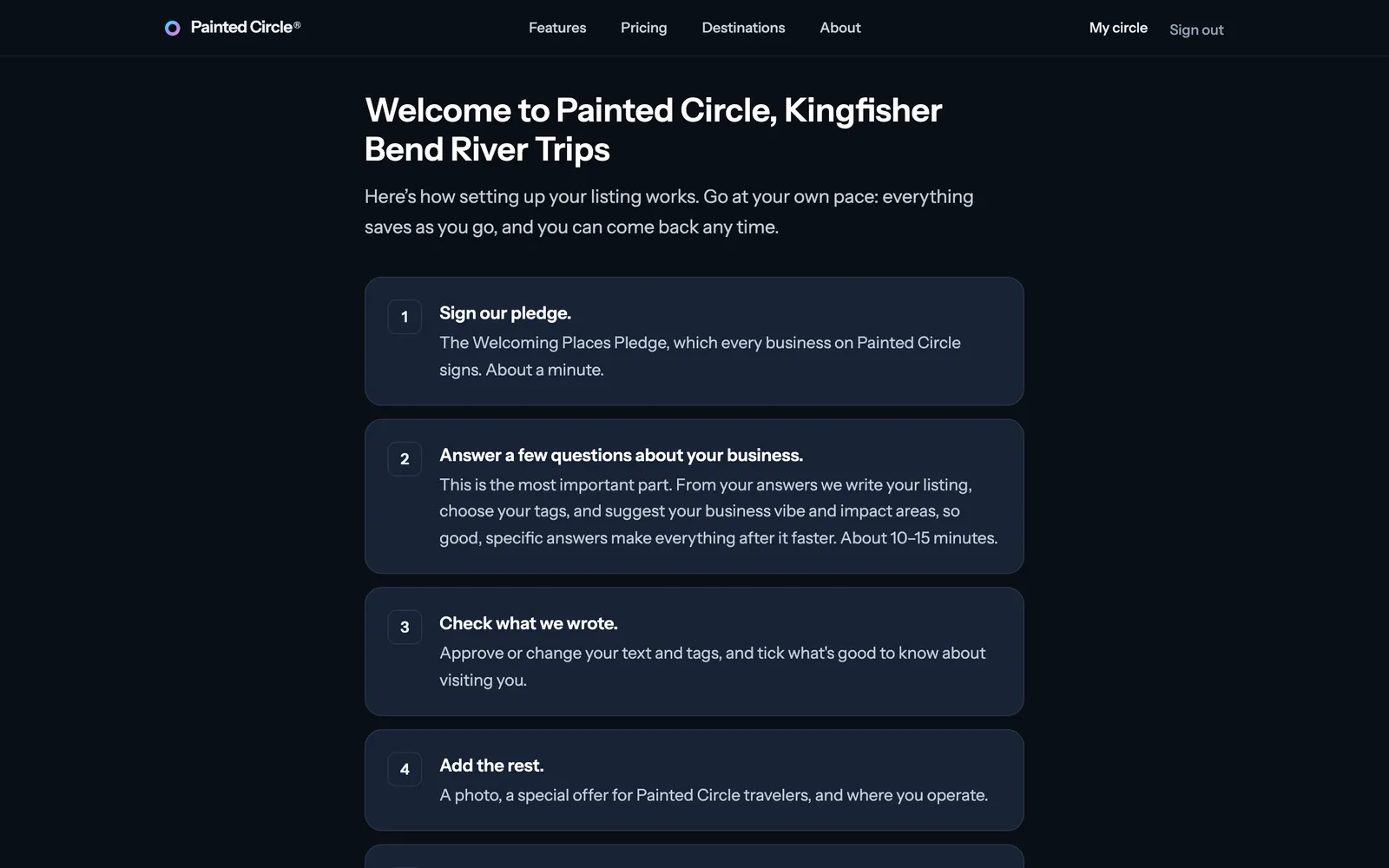
7Your listing is created and you land on your welcome page, with the steps to get it ready. Everything saves as you go.

More detail
- Nothing is public yet. Your listing goes live when you launch it, after the required steps (pledge, listing text, photo, offer, places and categories).
- Setup takes about 10 to 15 minutes for the questions about your business, and a few minutes for each other step. You can stop and come back any time.
The pictures show an example business. Still stuck? Email info@paintedcircle.com.