Topics for businesses
Your brand page and brand QR code
One page and one code for all your locations together.
Your brand QR code
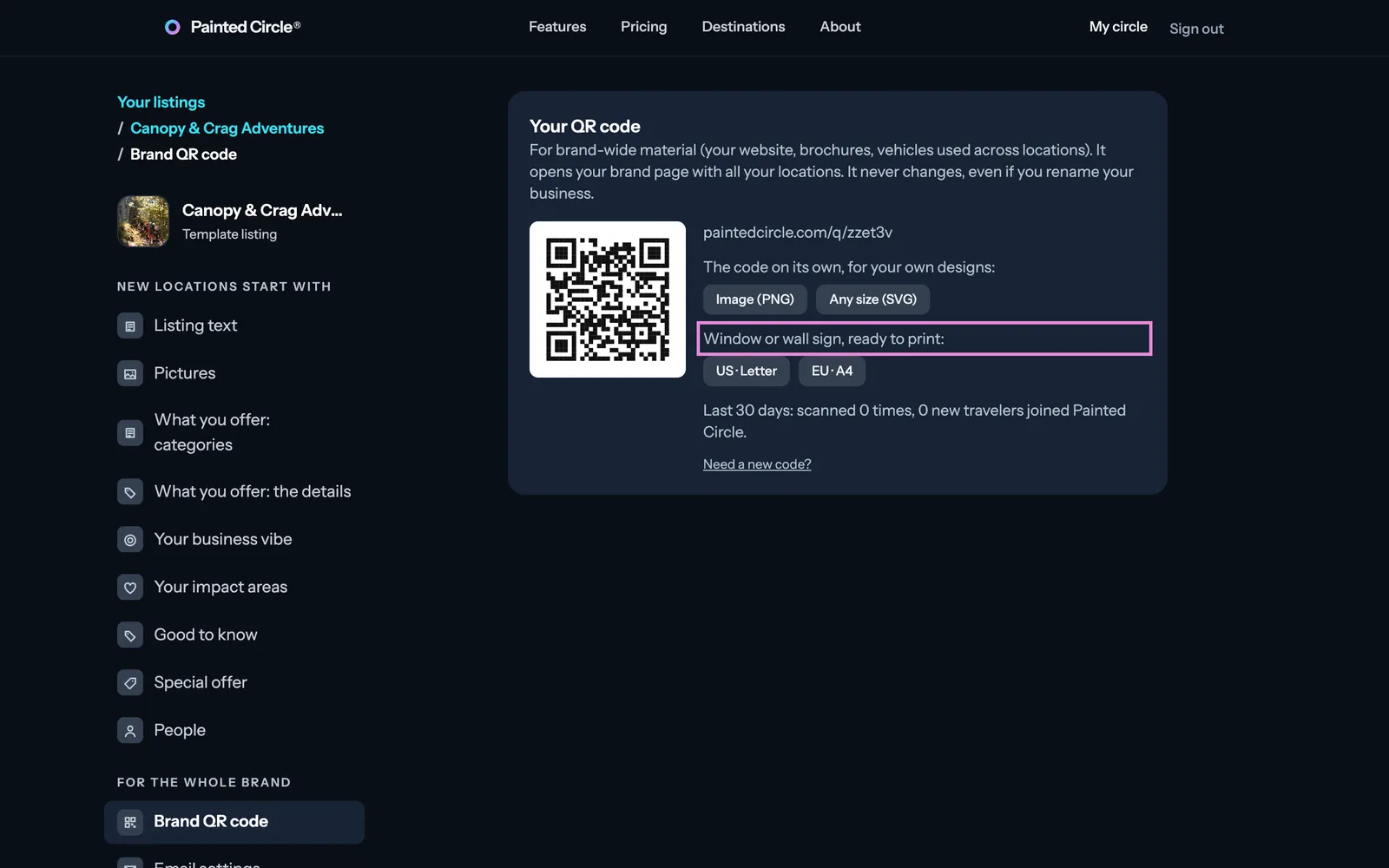
On your brand dashboard, under For the whole brand, open Brand QR code. It's for brand-wide material: your website, brochures, vehicles used across locations.
1Agree to ask for reviews fairly, then download the code on its own or a window sign ready to print.
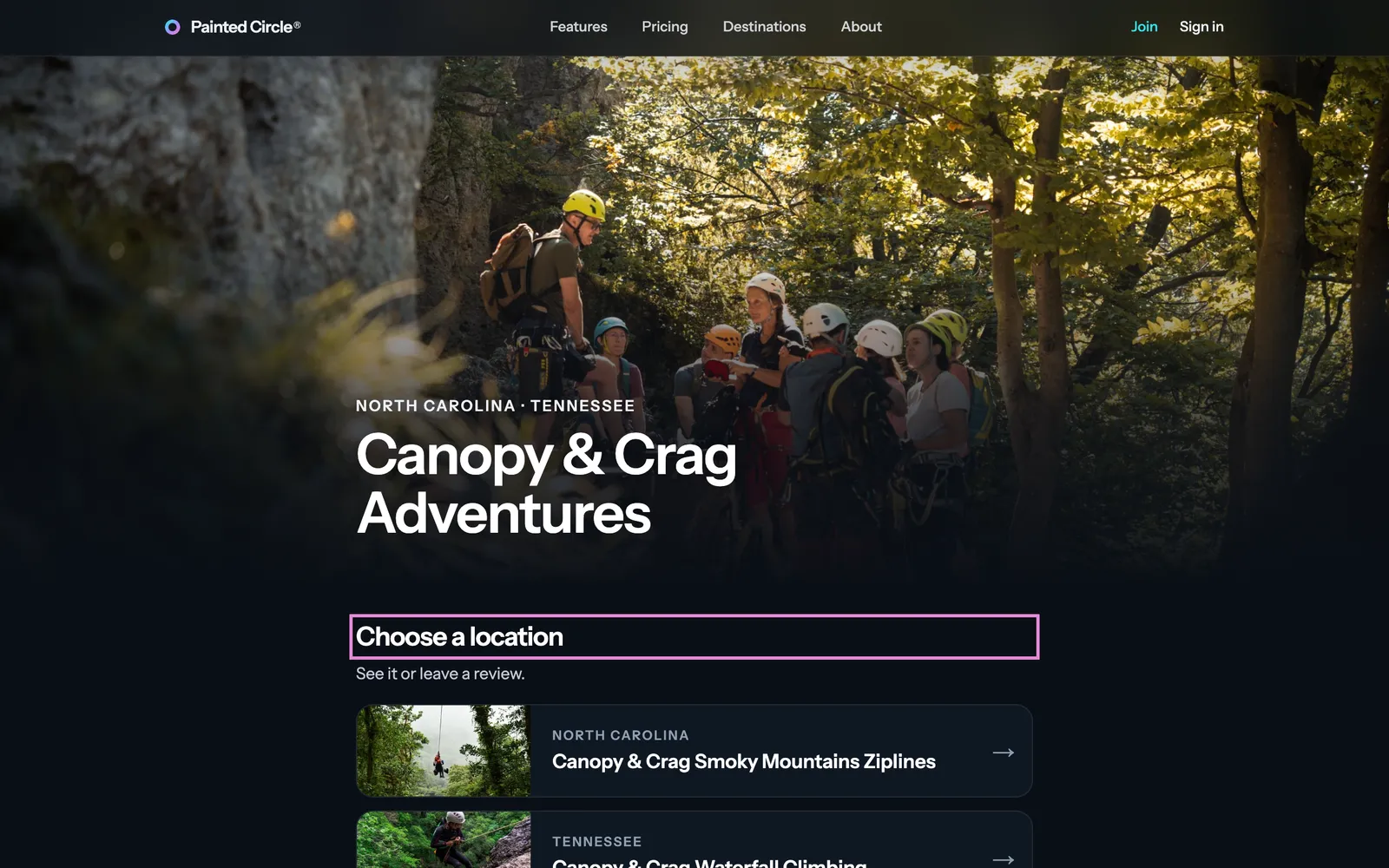
2Scanning it opens a page with all your locations, where guests choose theirs to see it or leave a review.


More detail
- There's no counter card for the brand: each location has its own QR code and counter card, so reviews go to the right place.
Your brand page
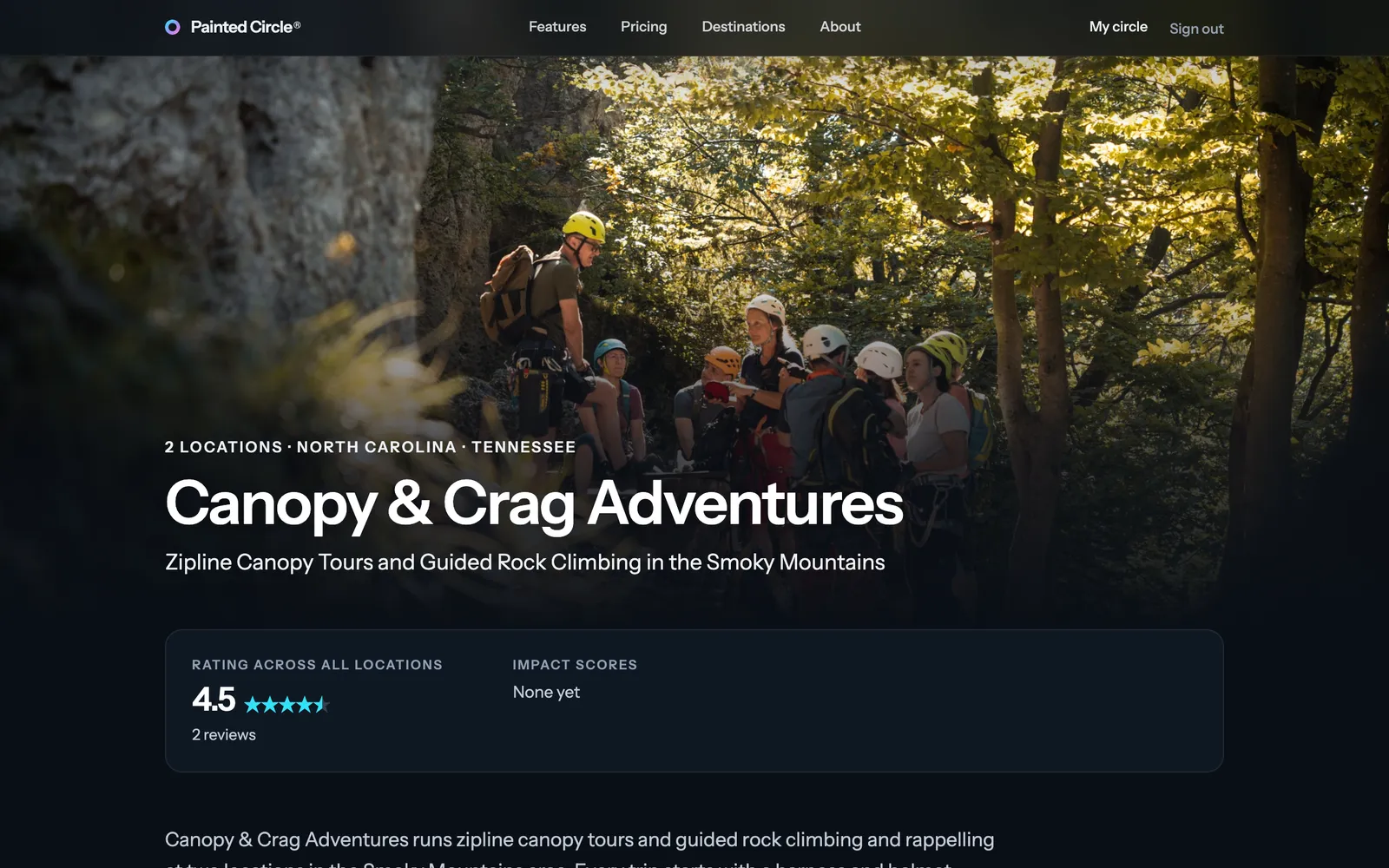
3Your brand page shows your brand, all your locations and your rating across all locations. Open it with View your brand page on your brand dashboard.

More detail
- Before Painted Circle opens to travelers, the brand page is visible to our team only; your brand QR code works straight away.
The pictures show an example business. Still stuck? Email info@paintedcircle.com.