Topics for businesses
Start a brand, or turn your listing into one
Choose a brand when you claim your listing, or add a location to an existing listing.
Start as a brand
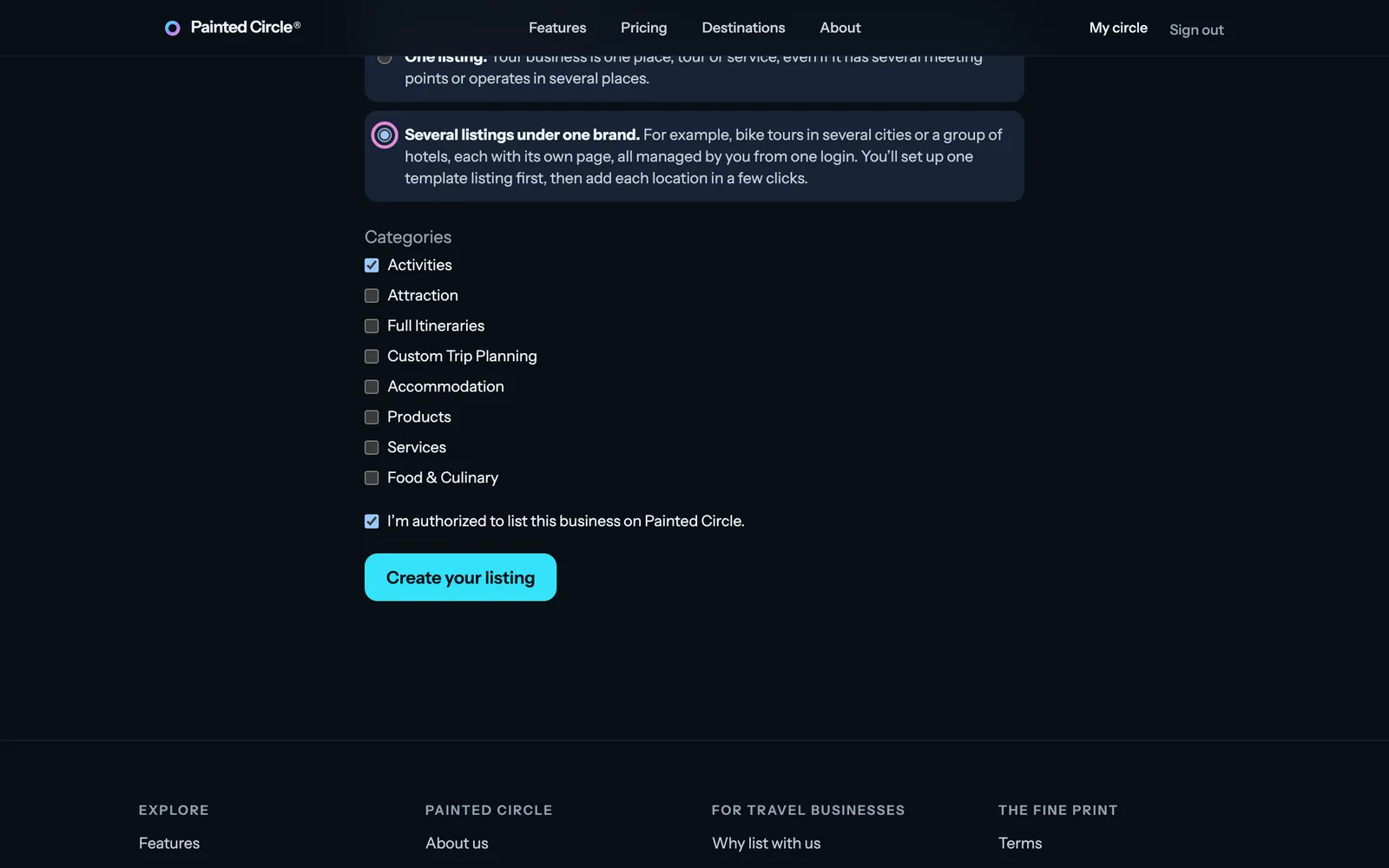
When you claim your listing from your invitation, the form asks how you'll list your business.
1Choose Several listings under one brand, tick your categories, and press Create your listing. You set up your template listing first, then add your locations.
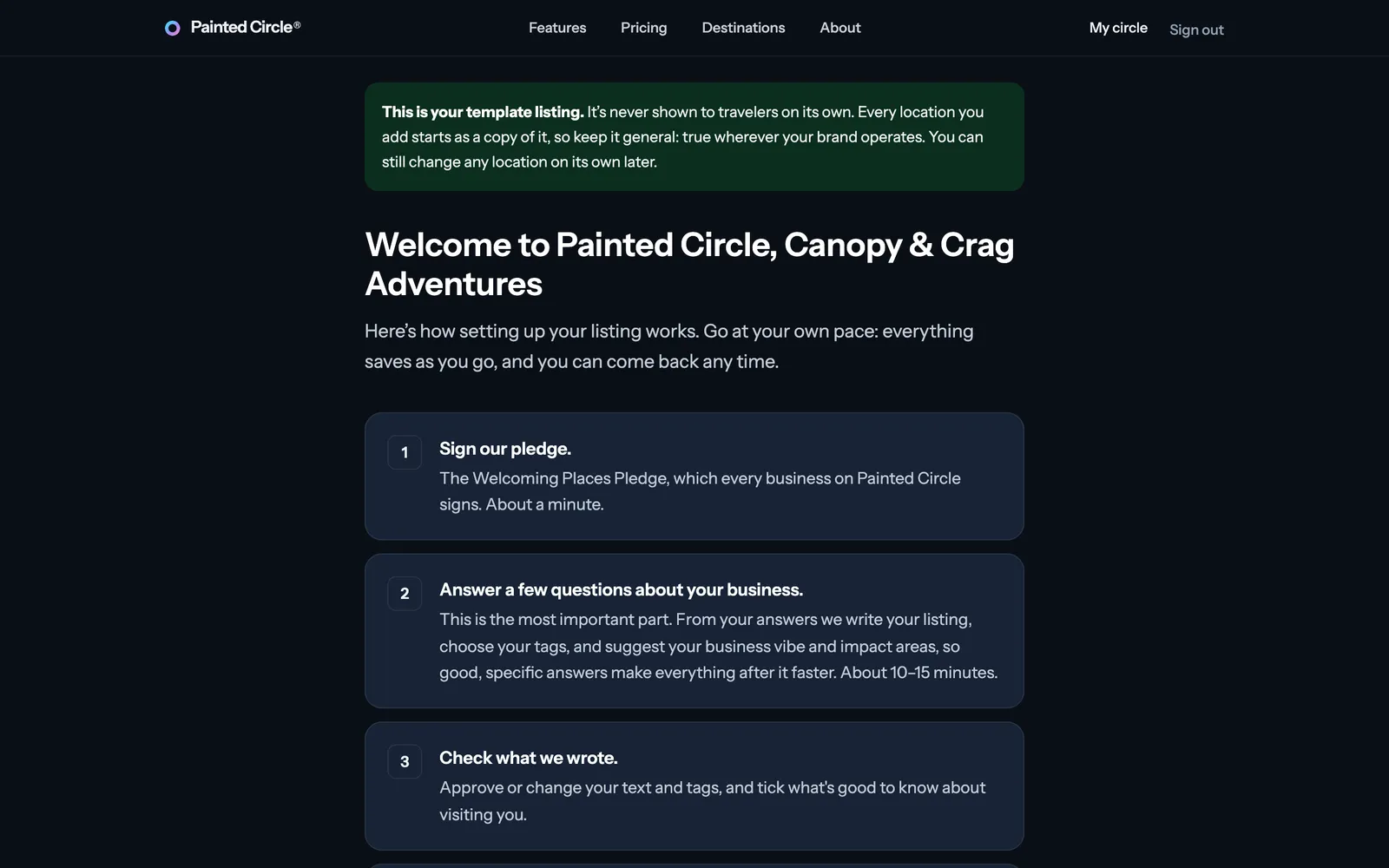
2The welcome page shows the steps, the same as for a single listing.


Turn your listing into a brand
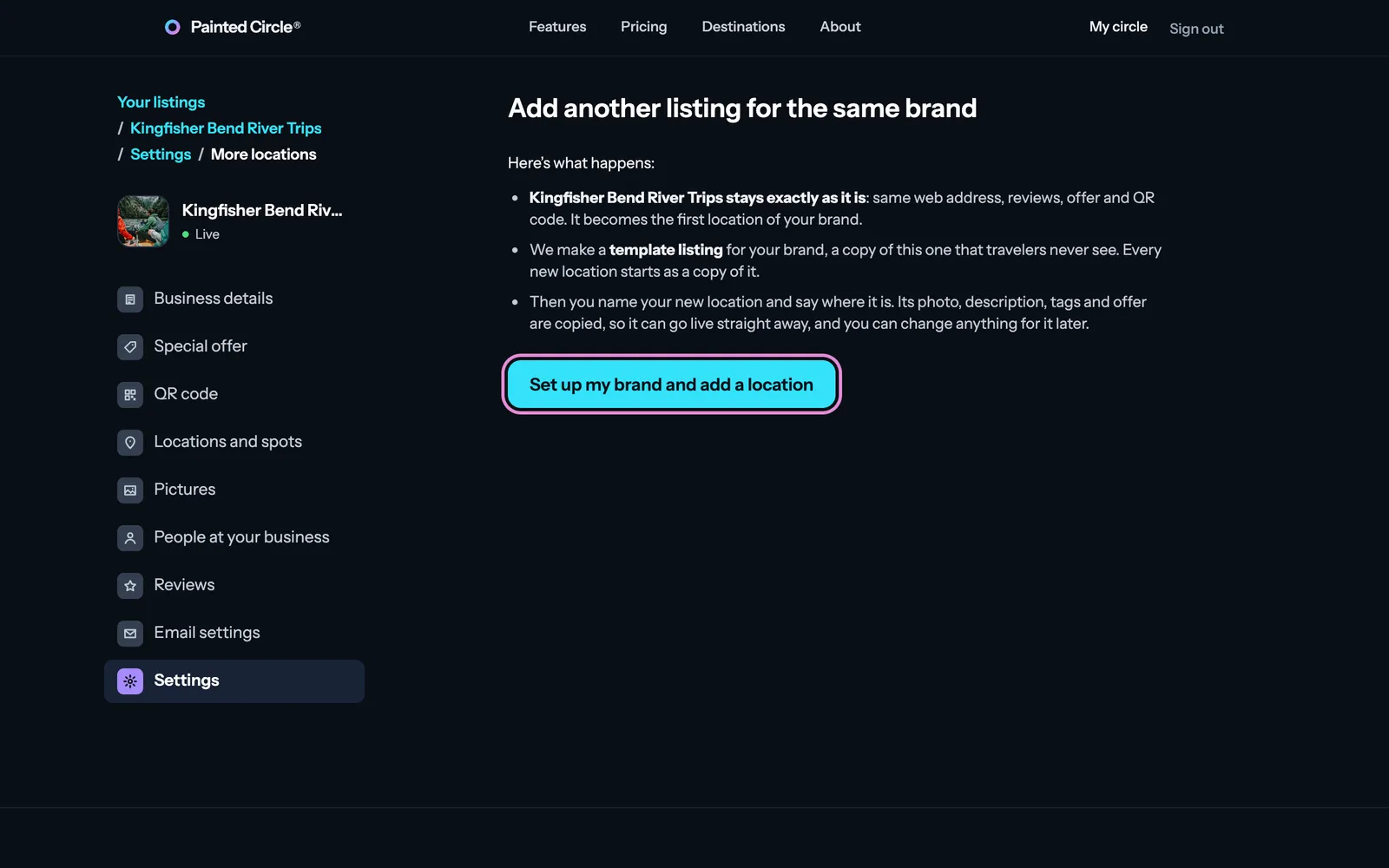
Already have a listing? On your dashboard, open Settings, then Add another listing for the same brand.
3Read what happens and press Set up my brand and add a location: your listing stays exactly as it is and becomes your first location, we make a template listing from it, and you name the new location.

More detail
- Your listing keeps its web address, reviews, offer and QR code.
- The template is a copy that travelers never see. New locations start as copies of it.
The pictures show an example business. Still stuck? Email info@paintedcircle.com.