Topics for businesses
Your tags, vibe, impact and Good to know
How travelers find you, the kind of trip you suit, the good you do, and the practical facts.
Your tags
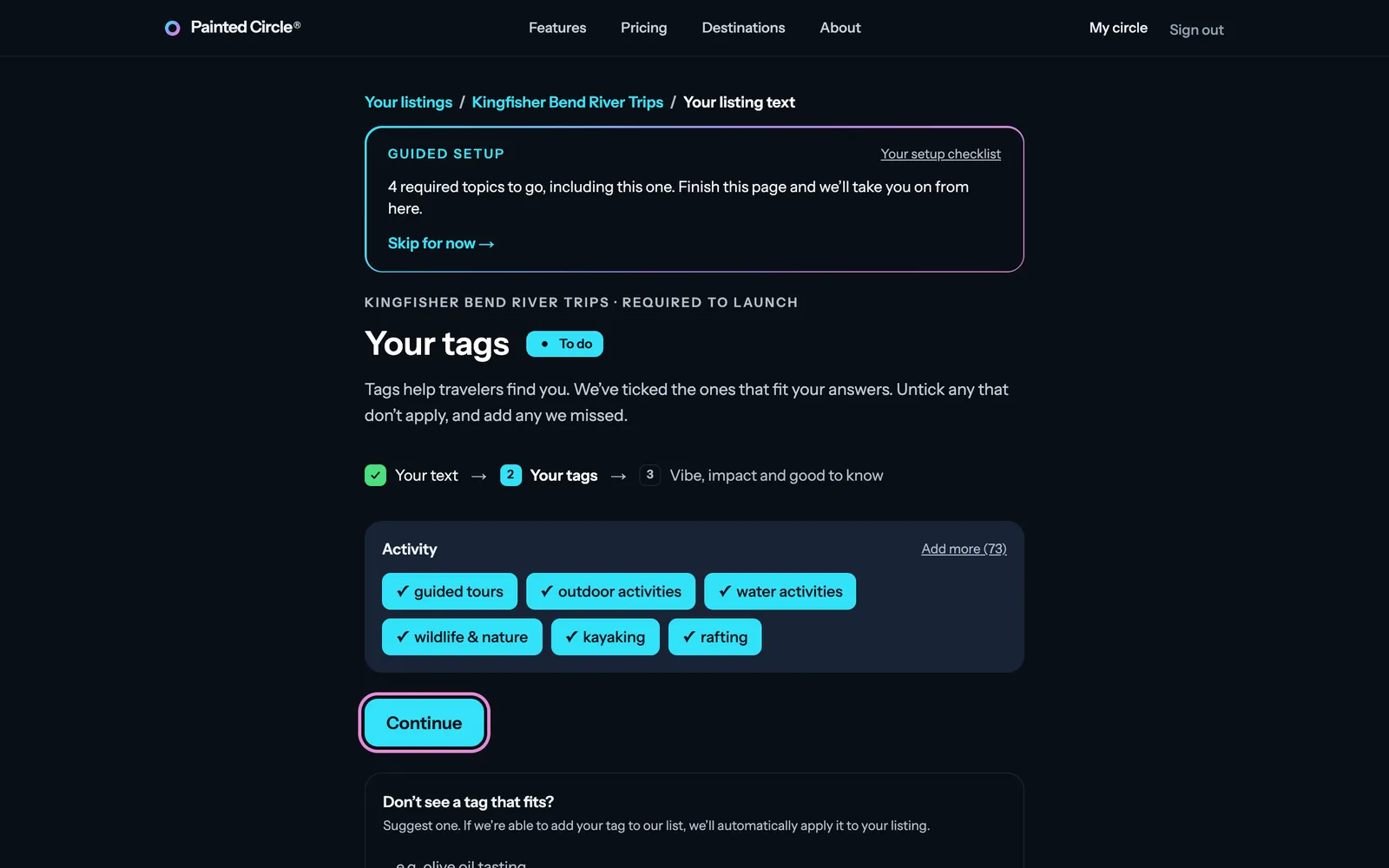
1On the Your tags page, we pre-select tags we think match your business, based on the answers you gave to the questions about your business. Untick any that don't apply, add any we missed, and press Continue.

More detail
- Tags help travelers find you in search and on Destinations. Which lists you see depends on your categories.
- Don't see a tag that fits? Suggest one at the bottom of the page. If we add it to our list, it's applied to your listing automatically.
Your vibe and impact areas
Your vibe is the kind of traveler and trip you suit best. Your impact areas are the good your business does for its place and its people.
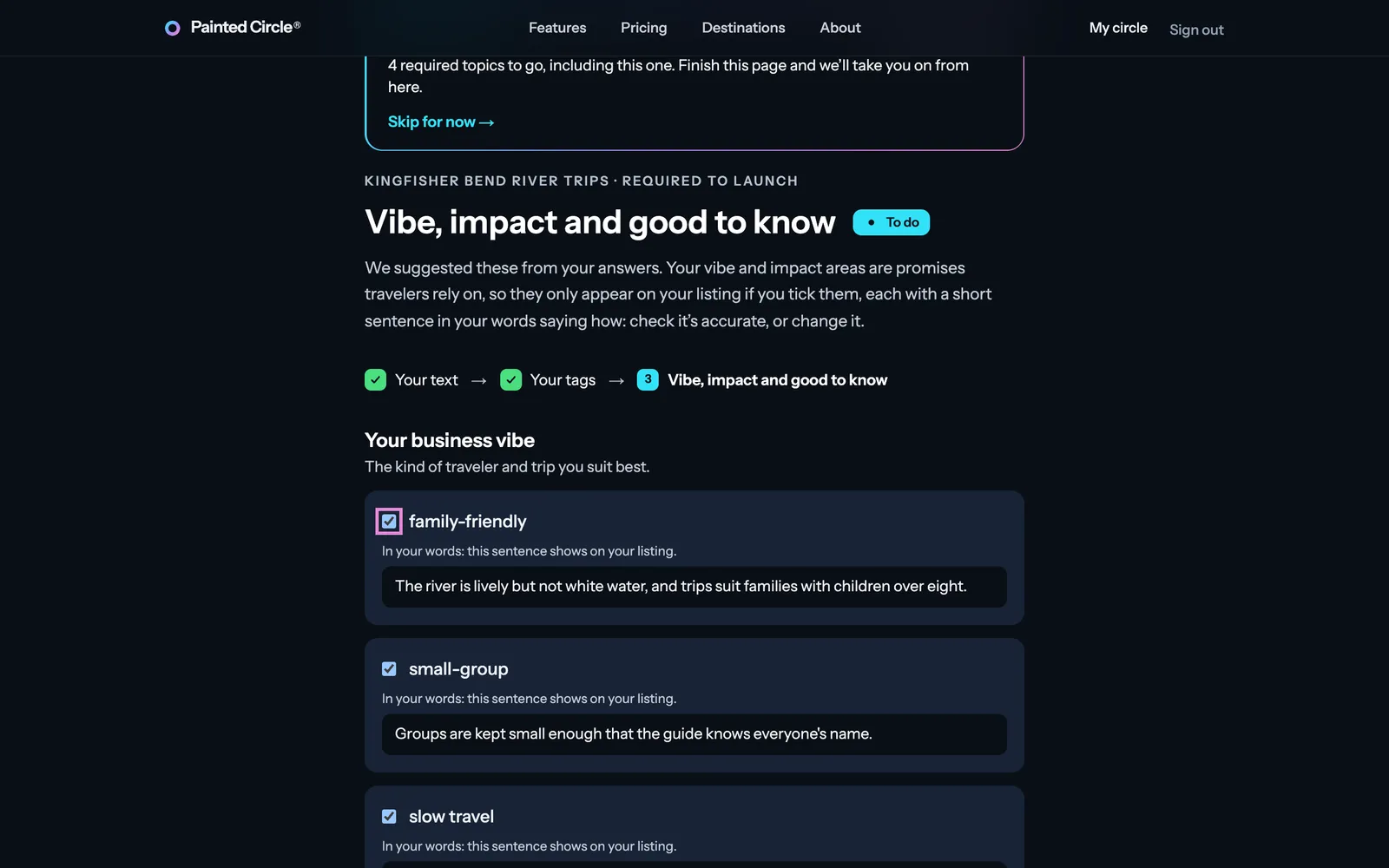
2Based on your answers to the questions about your business, we suggest some vibes and impact areas, each with a short sentence in your words. They start unticked: tick the ones that are true, because only ticked ones appear on your listing. Check each sentence and change it if needed.

More detail
- Each one is a promise travelers rely on, so each needs one factual sentence saying how: what you actually do, not just a value you hold.
- “See all” shows the other options. Any you tick also need a sentence.
- We may tidy a sentence so it reads smoothly; you'll see exactly which words changed before it's saved.
Good to know
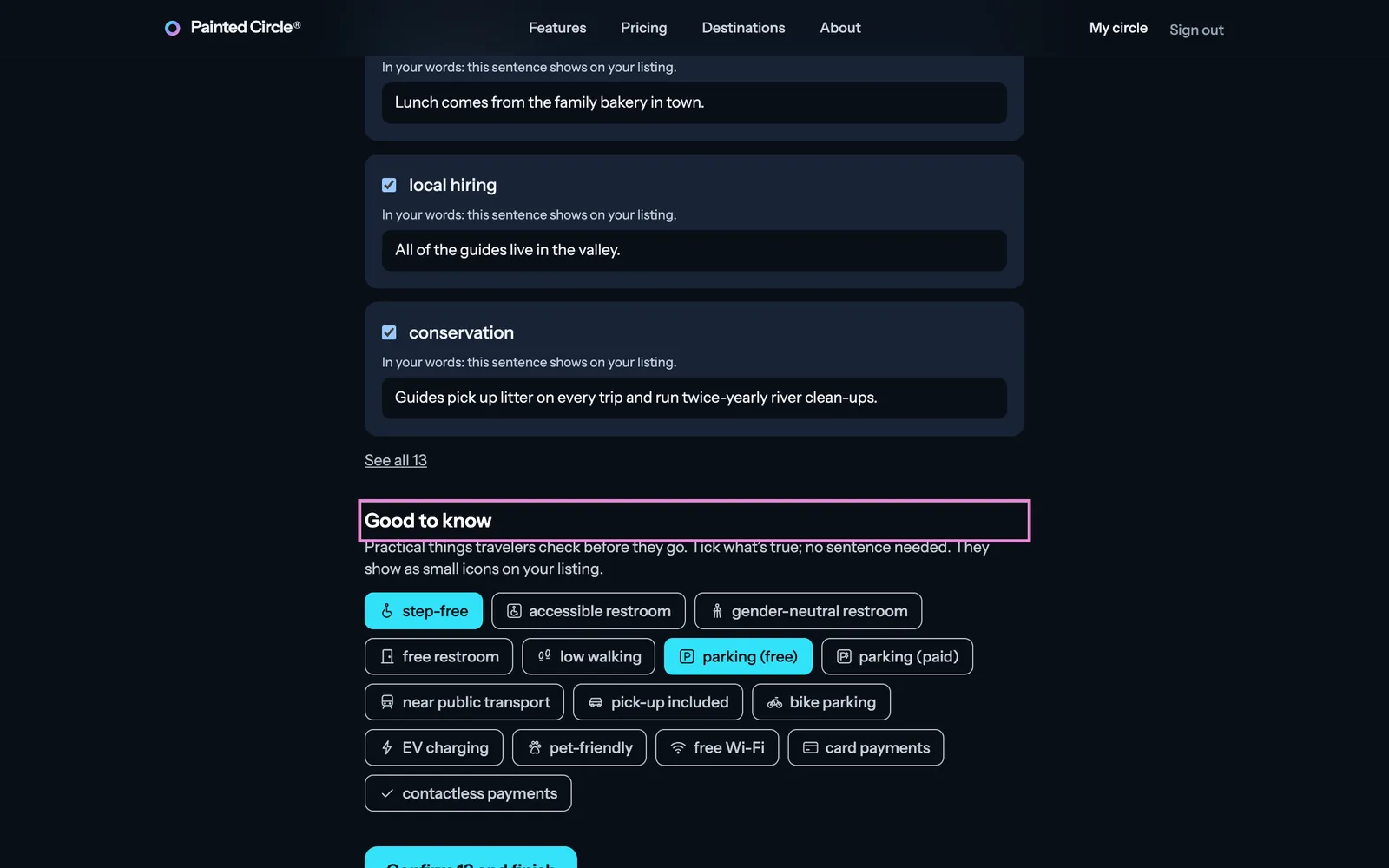
3Tick the practical facts that are true, like step-free or parking (free). No sentence needed: they show as small icons on your listing. Then press Confirm and finish.
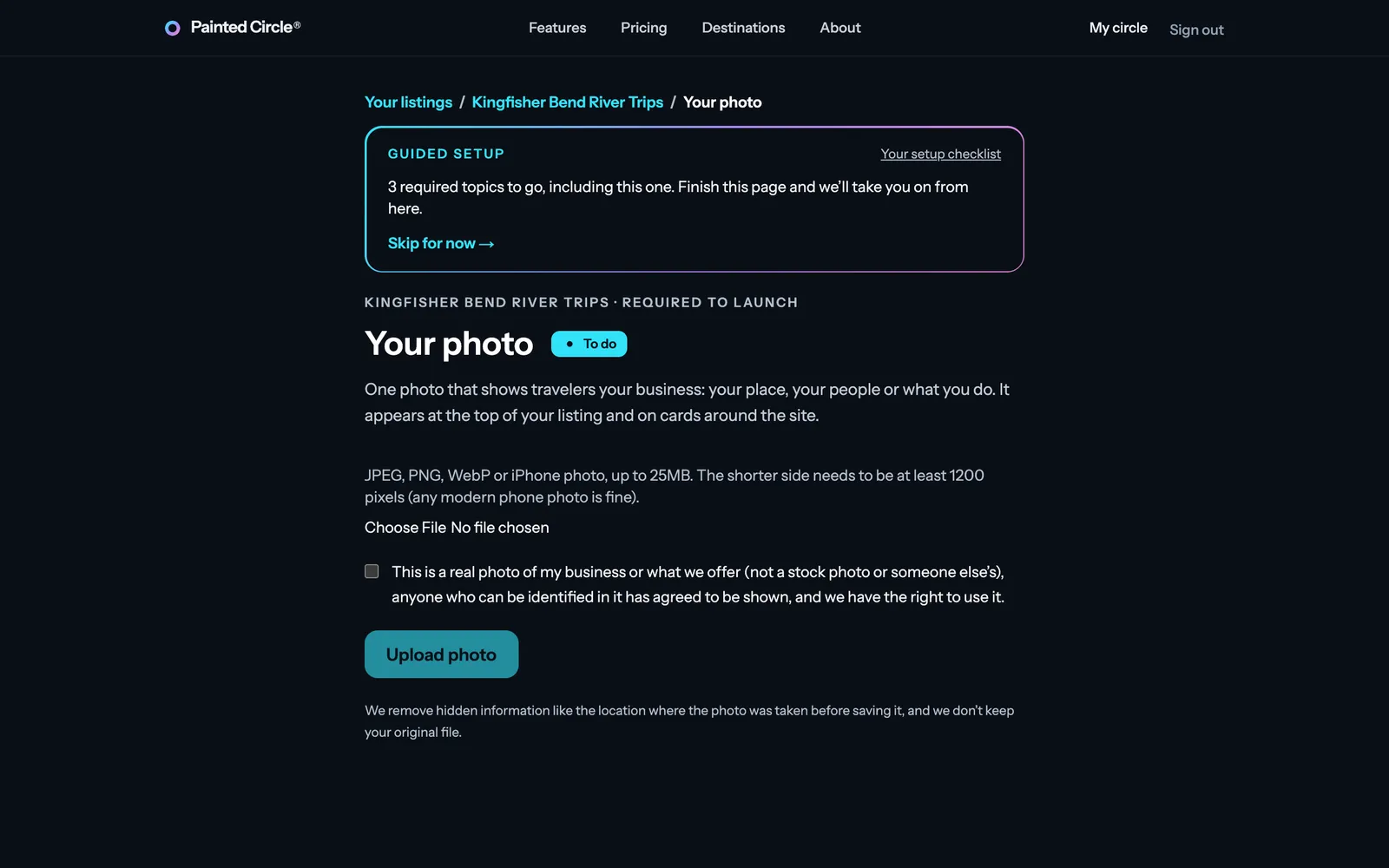
4Your listing text is done. Guided setup takes you straight on to the next step: your photo.


More detail
- We pre-tick the facts your answers to the questions about your business mention; tick or untick any of them.
- Which facts you see depends on your categories (a tour won't see the ones only for stays). For a brand, each location sets its own.
- You can change them later from your dashboard; each tick saves on its own.
The pictures show an example business. Still stuck? Email info@paintedcircle.com.