Topics for businesses
Your dashboard after launch
Where to see how your listing is doing and change anything on it.
Find your way around
Sign in, open My circle in the menu, and switch to Business dashboard at the top (or go straight to paintedcircle.com/dashboard). Then open your business.
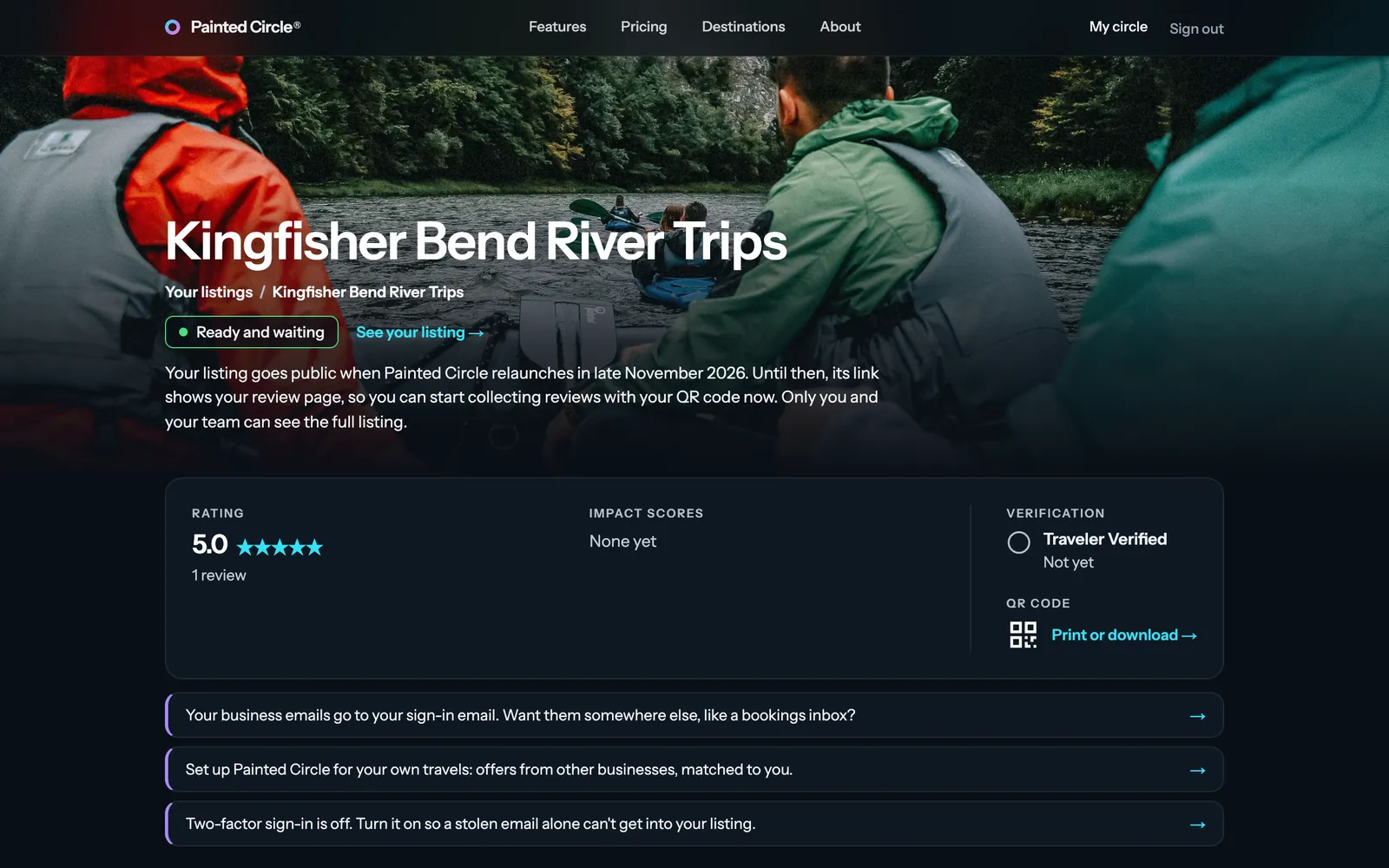
1The top shows your listing's status and a link to your public page, then your rating, impact scores, Traveler Verified status and your QR code. Below are short notes on anything that needs you.

More detail
- The side list (a fold-out at the top on phones) has every part of your listing: business details, special offer, QR code, locations and spots, pictures, people at your business, reviews, email settings and settings.
- Traveler Verified: 5 or more reviews averaging 4 stars or higher. Impact scores come from what travelers say about your impact in their reviews.
The pictures show an example business. Still stuck? Email info@paintedcircle.com.