Topics for businesses
Where you operate
The places travelers find you under, from towns to whole regions and natural areas.
Add your places
Find this on your dashboard under Where you operate. Travelers browse Painted Circle by place, so add every place your business belongs to.
1Search for a city, region, country or natural area, and pick it from the list.
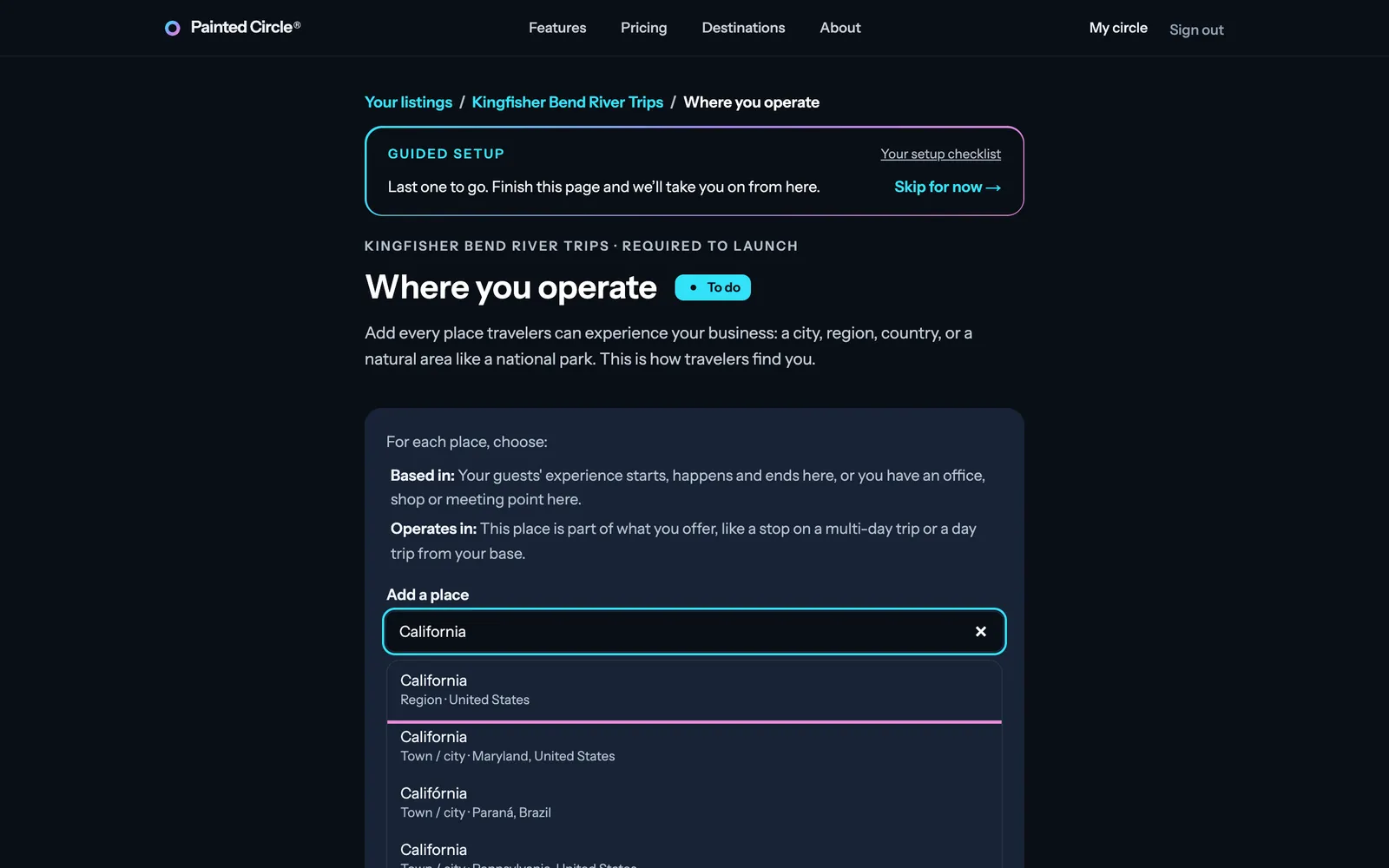
2Choose Based in (your guests' experience starts, happens and ends there, or you have an office, shop or meeting point there) or Operates in (the place is part of what you offer, like a stop on a trip).
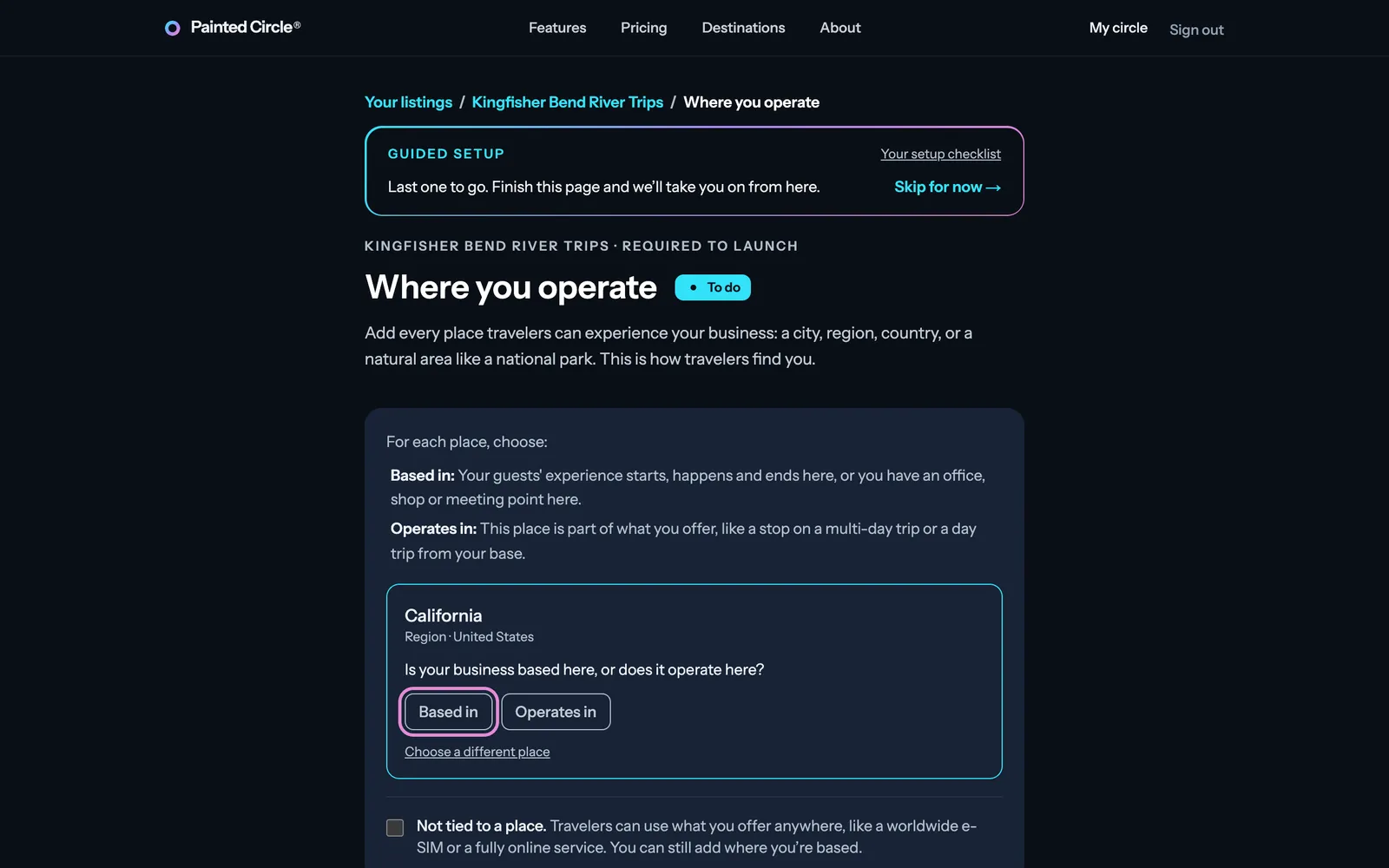
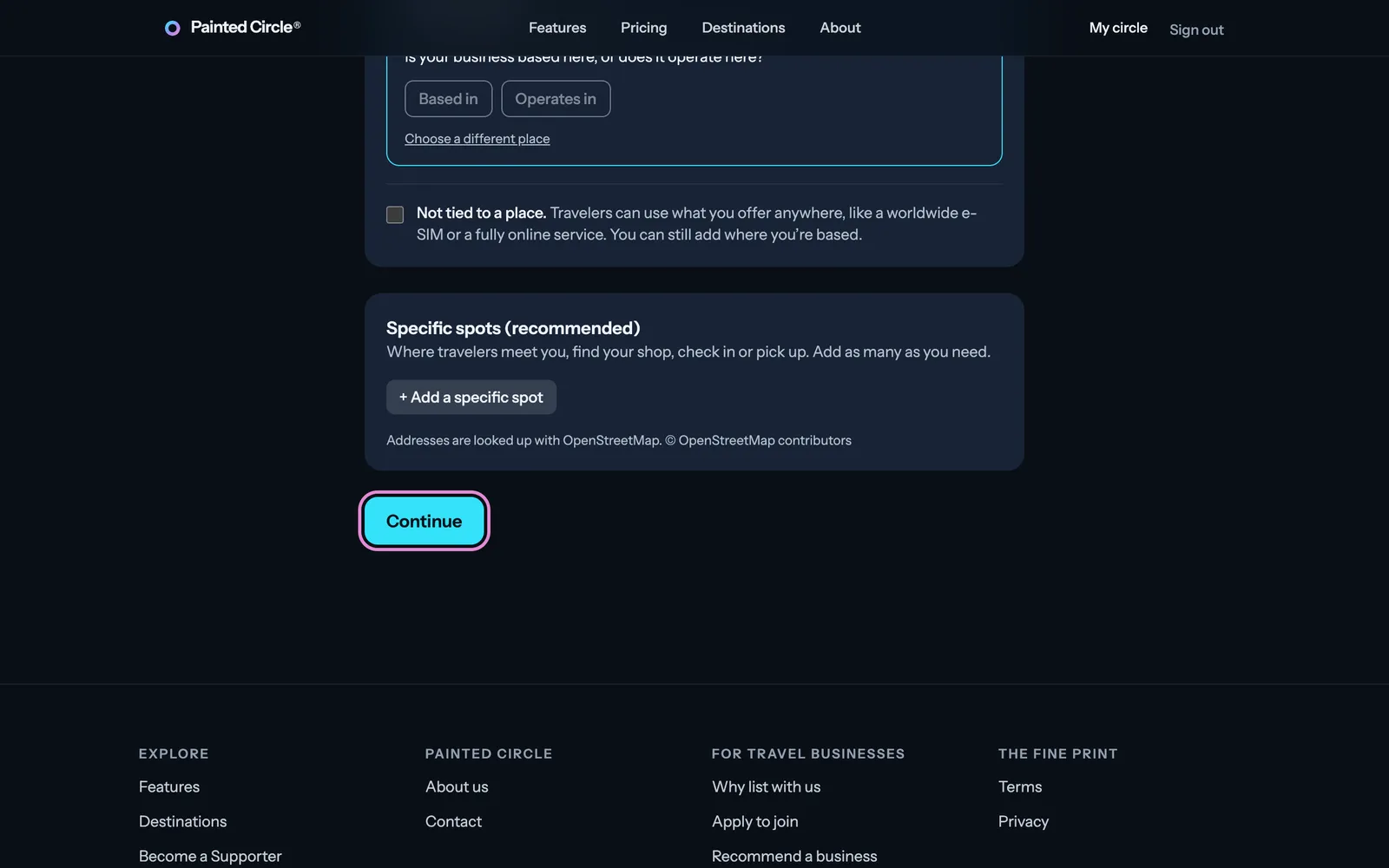
3Add as many places as you need, then press Continue.


More detail
- You need at least one place to launch; a live listing can't remove its last one.
- Can't find your place? Choose Suggest a place: our team adds it (or points you to one that already exists), and it's added to your listing.
- Specific spots (recommended): where travelers meet you, find your shop, check in or get picked up. Addresses are looked up with OpenStreetMap, and each spot gets an Open in maps button on your listing.
- If your business isn't tied to a place (an online service, for example), tick Not tied to a place.
The pictures show an example business. Still stuck? Email info@paintedcircle.com.