Topics for travelers
Download your information, or delete your account
A copy of everything we hold about you, or deleting it all.
Download a copy of your information
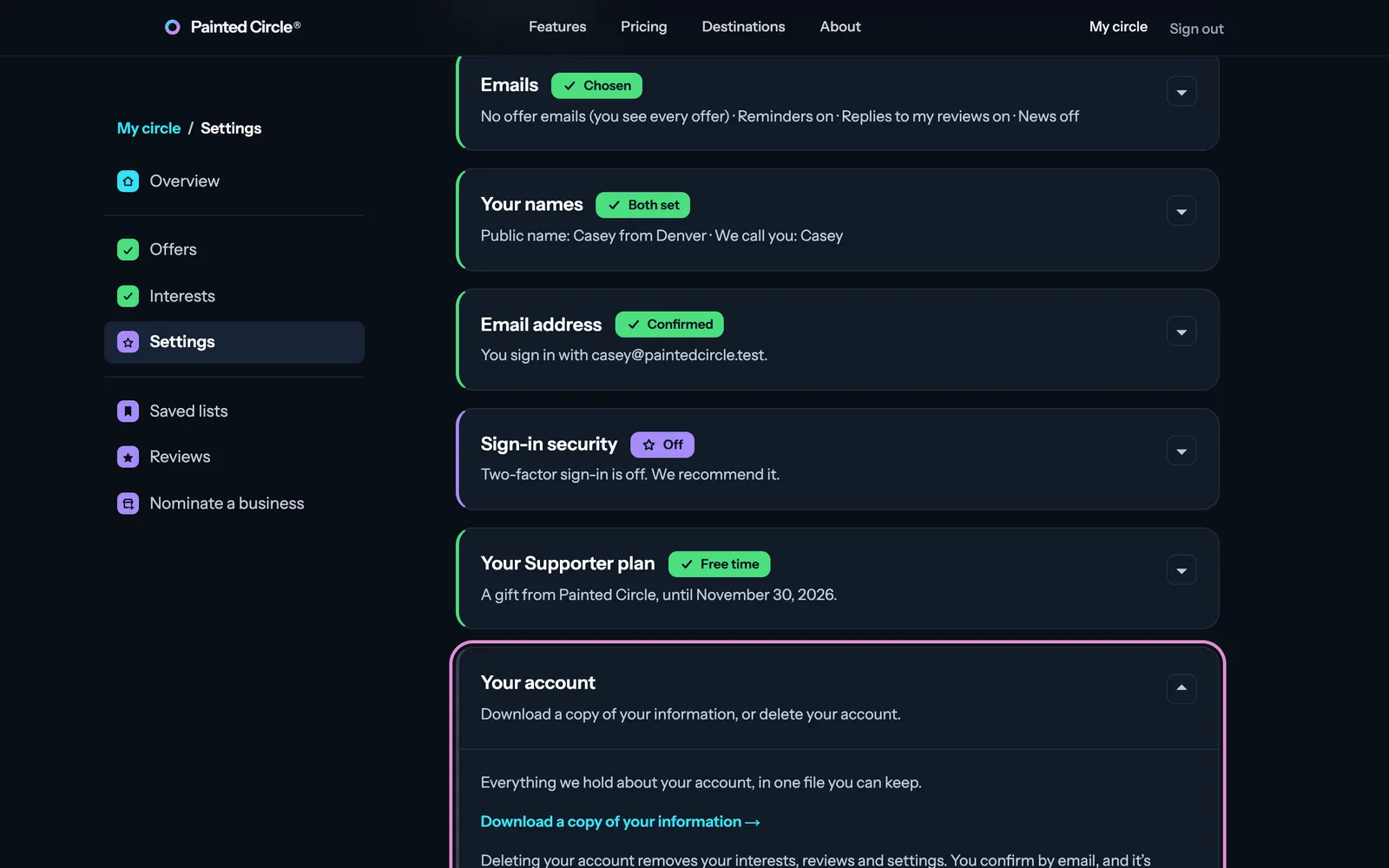
Open My circle, then Settings, then Your account.
1Choose Download a copy of your information.
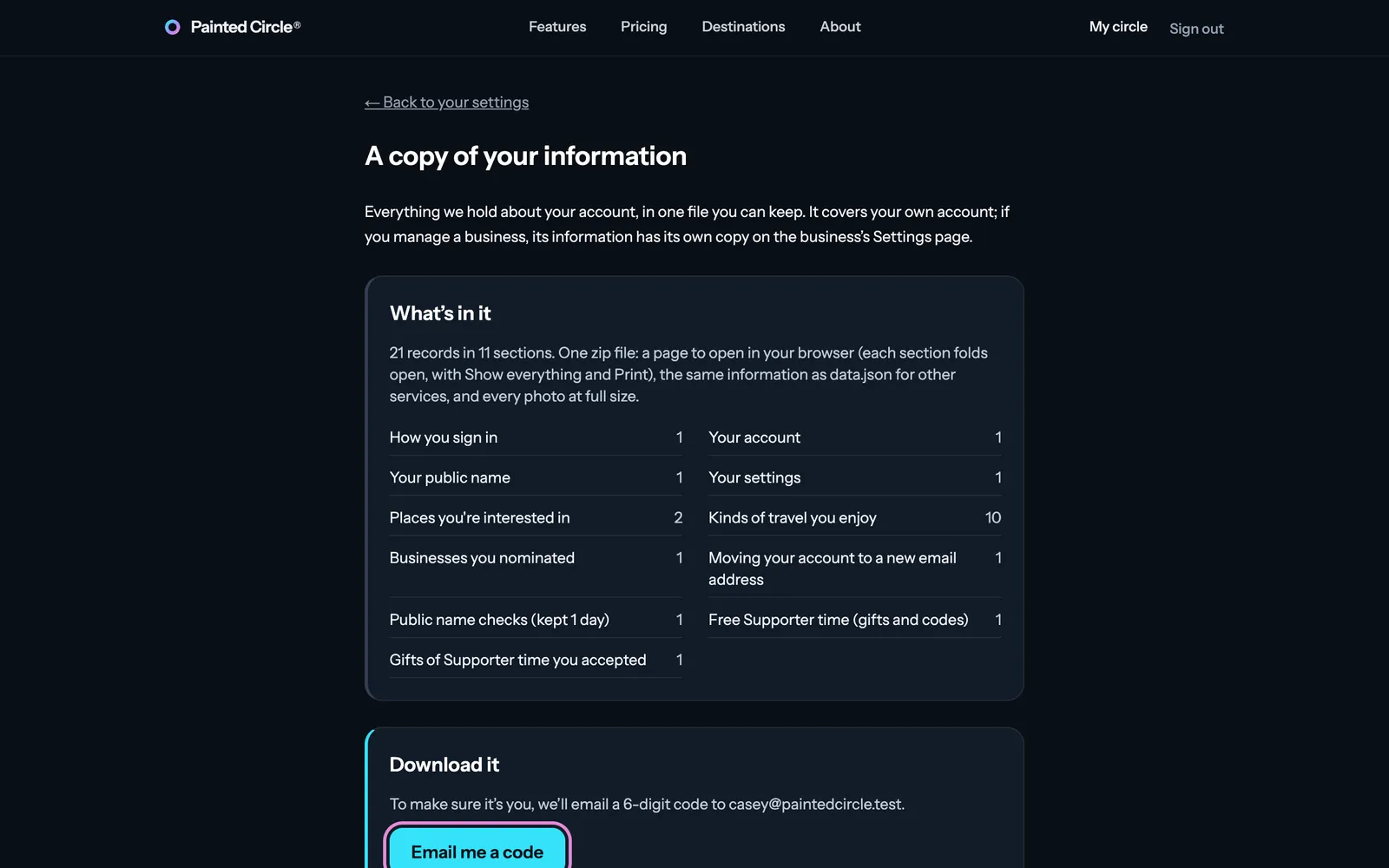
2Press Email me a code, type the 6-digit code we email you, and press Download my copy: one file with everything we hold about your account.


Delete your account
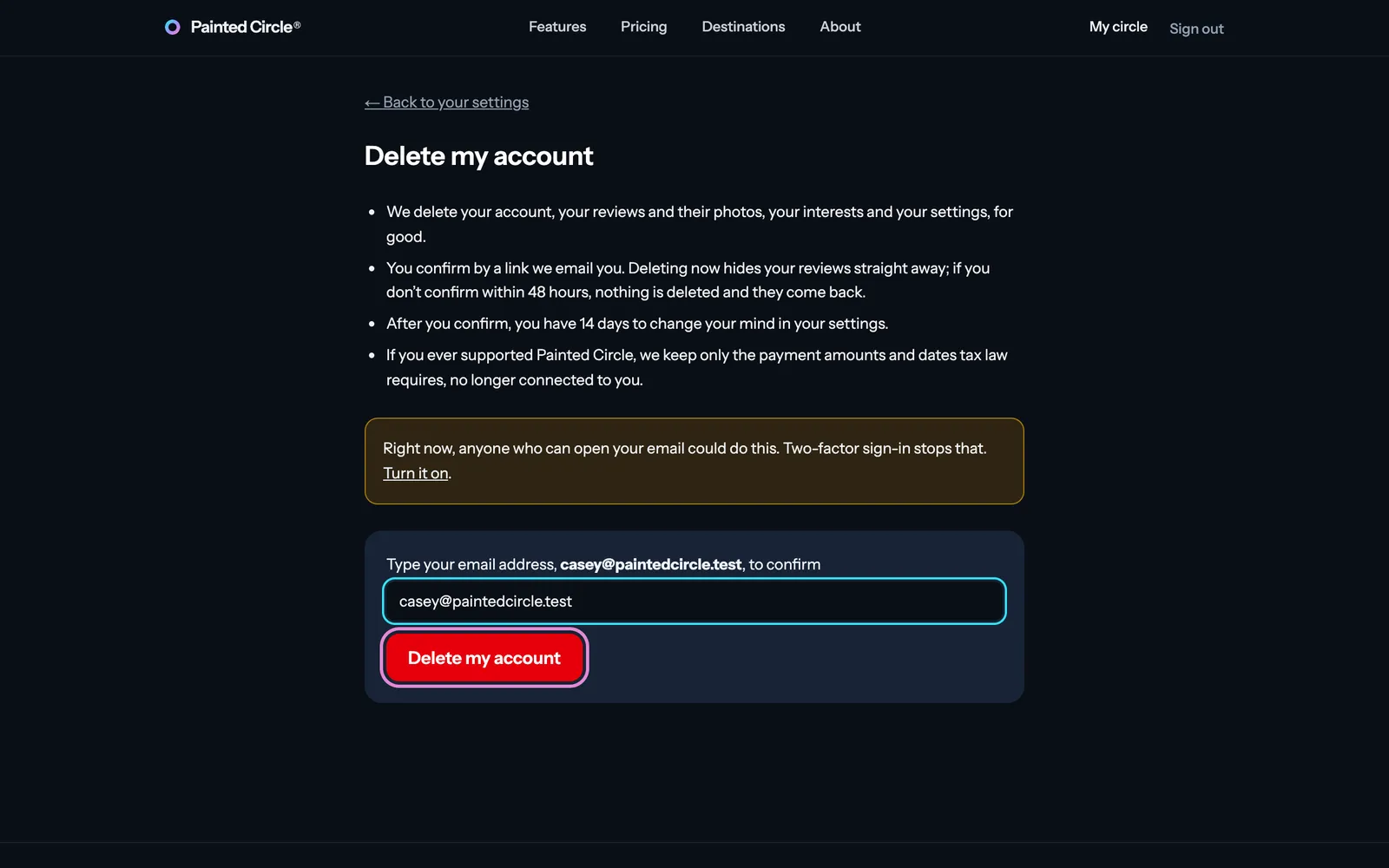
From Your account in Settings, choose Delete my account.
3Type your email address to confirm (and the code from your authenticator app, if you use one), then press Delete my account. We email you a link: your account is deleted when you open it and confirm.

More detail
- Once you confirm, your reviews are hidden at once and everything is erased 14 days later. Until then you can change your mind from Settings.
- Annual Supporters can choose to delete at the end of the year they paid for: renewal stops at once and everything works until then.
- If you manage a business on Painted Circle, hand it over or delete the business first.
- We keep a short deletion receipt, and payment records without your name, as the law requires.
The pictures show an example business. Still stuck? Email info@paintedcircle.com.