Topics for travelers
Save businesses to your lists
Keep the businesses you like in private lists for each trip.
Save a business
1On a business's page, press Save under its name.
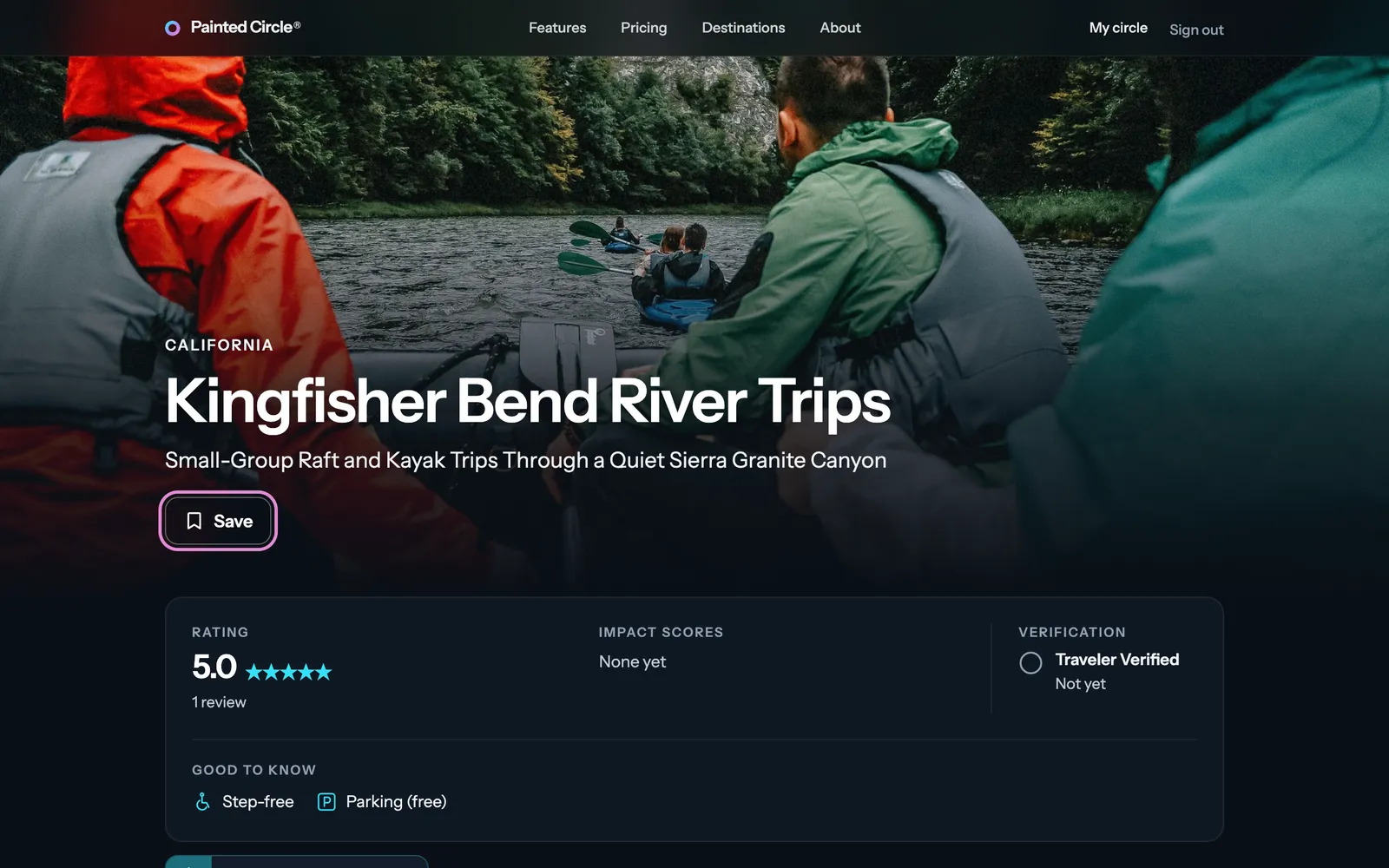
2It goes to Saved items. Press Change in the note to put it in another list instead.

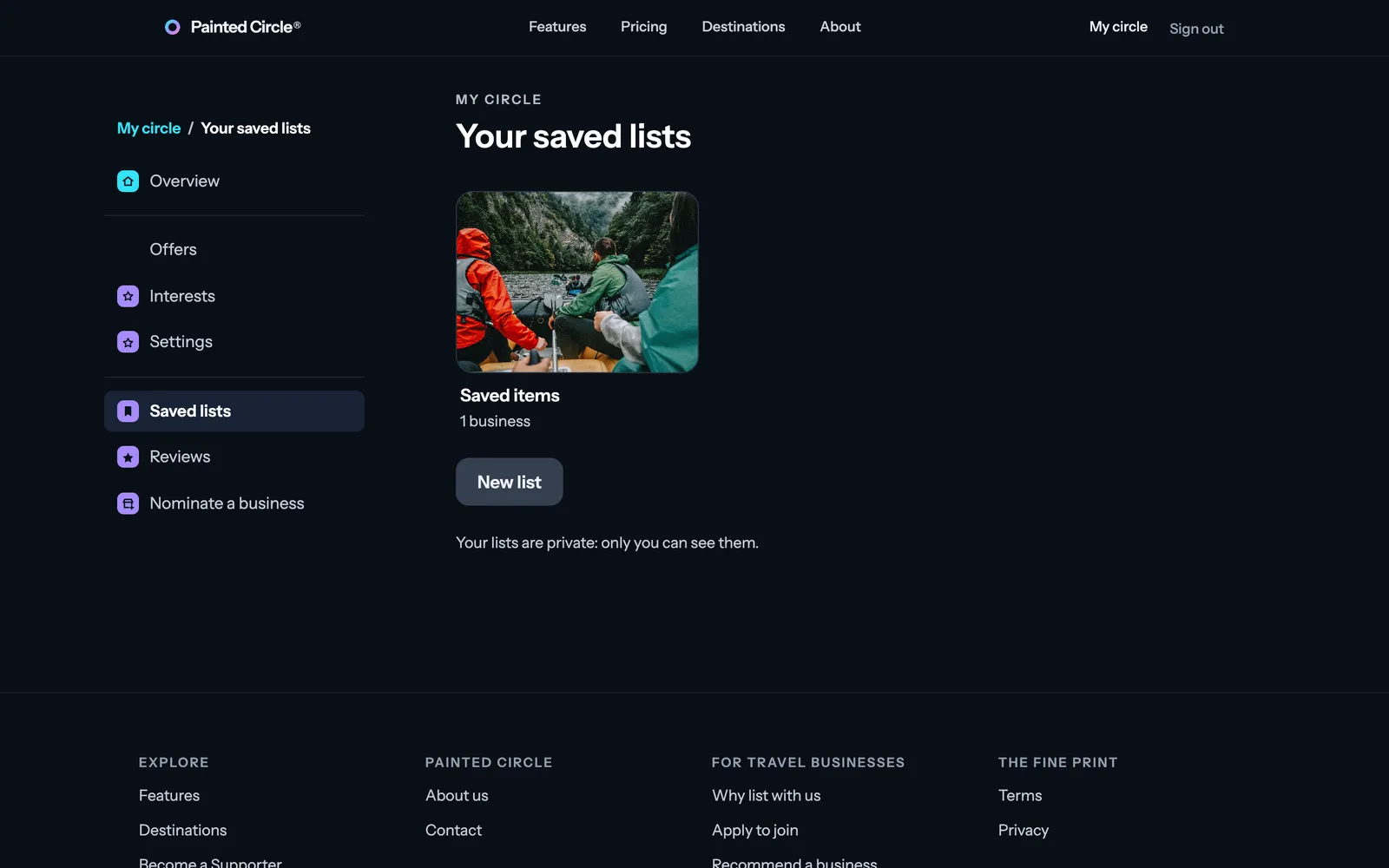
3Find your lists in My circle, under Saved lists. New list makes one for each trip.


More detail
- Your lists are private: only you can see them.
The pictures show an example business. Still stuck? Email info@paintedcircle.com.