Topics for travelers
Change your email, or get back in after losing it
Move your account to a new address, with or without the old one.
Change your email
Open My circle, then Settings, then Email address.
1Press Change email, type your new address and press Send links.
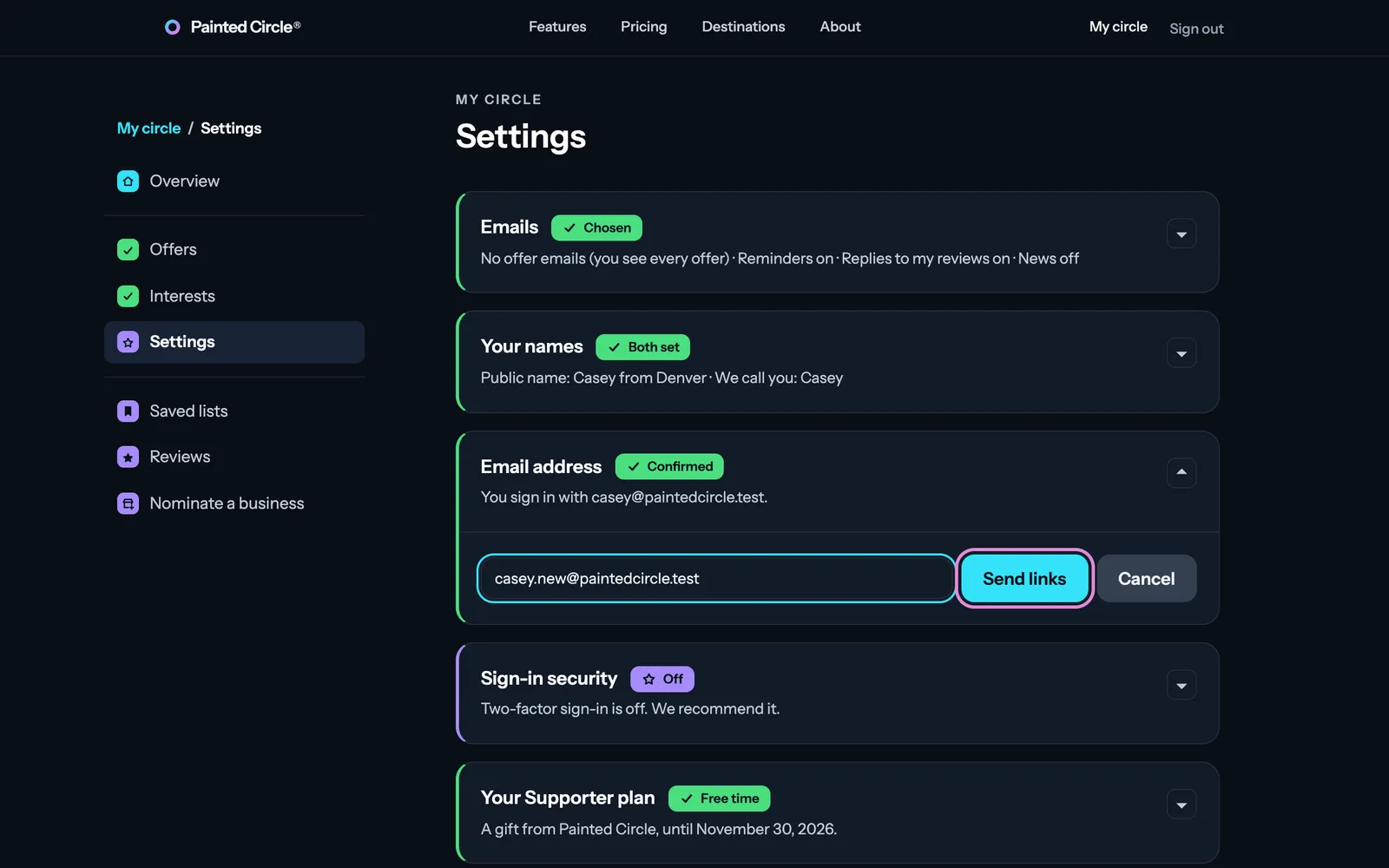
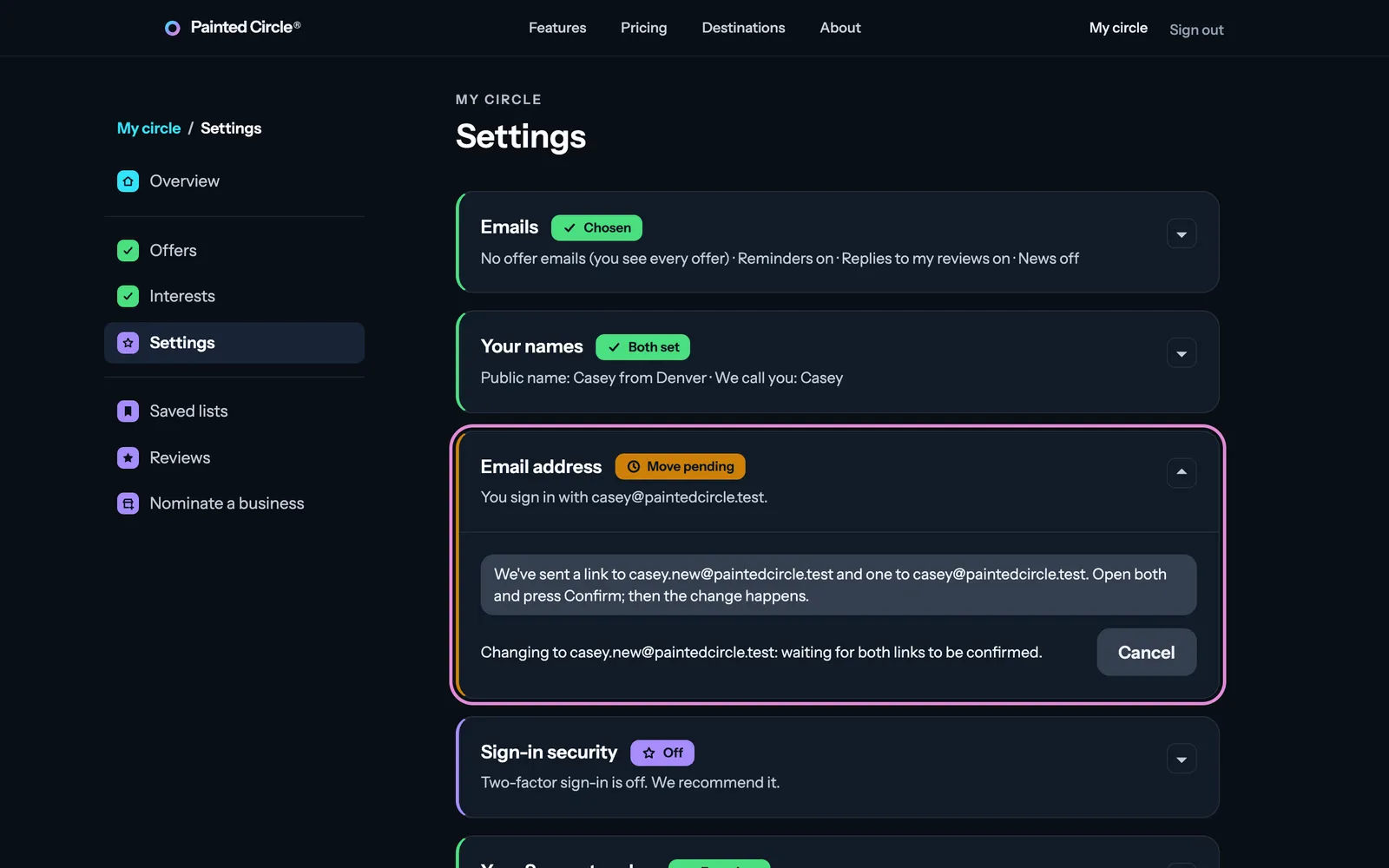
2We email a link to both addresses. Open each and press Confirm; the change happens when both are confirmed. Changed your mind? Press Cancel.


Lost access to your old email
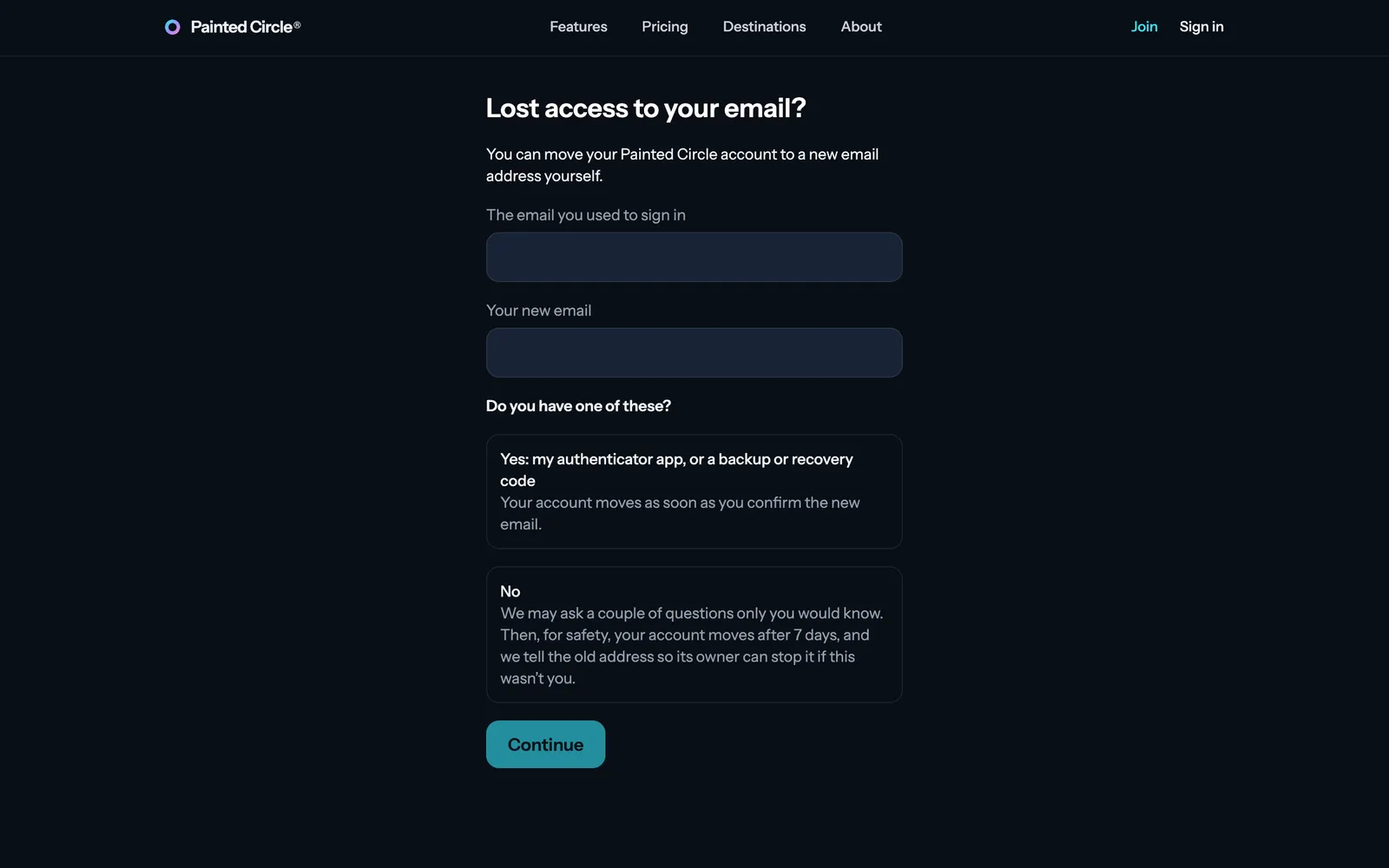
On Sign in, choose Lost access to your email?
3Type the email you used and your new one, and say whether you have your authenticator app or a backup or recovery code. With one, your account moves as soon as you confirm the new email. Without one, we may ask a couple of questions and the move happens after 7 days, so the old address's owner can stop it if it wasn't you.

The pictures show an example business. Still stuck? Email info@paintedcircle.com.